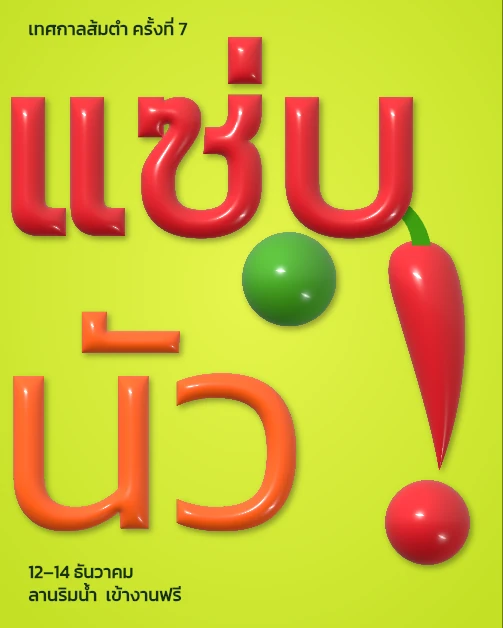
SLOW Record Fair
A word that pours
Text, Create Outlines, Envelope, Blend
Plays on the real editor. Nothing here touches your work.
The replay could not start. Try again, or open the editor and follow the steps.
The replay runs on a computer or a tablet. Here is each step as a still.
The steps
 1
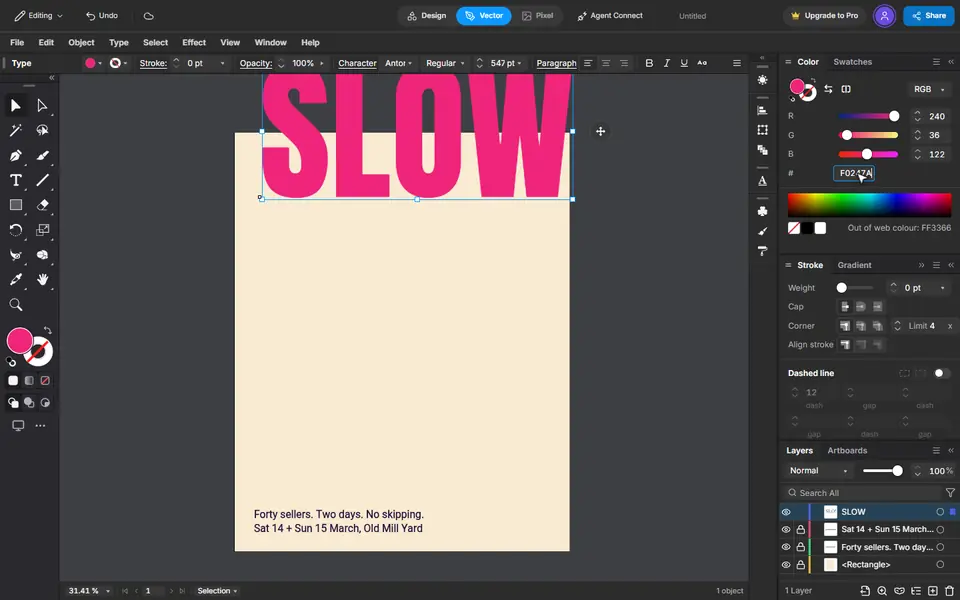
Type the word
Press T, click the page and type SLOW. Set the size and the font on the bar, and the colour in the Color panel.
 2
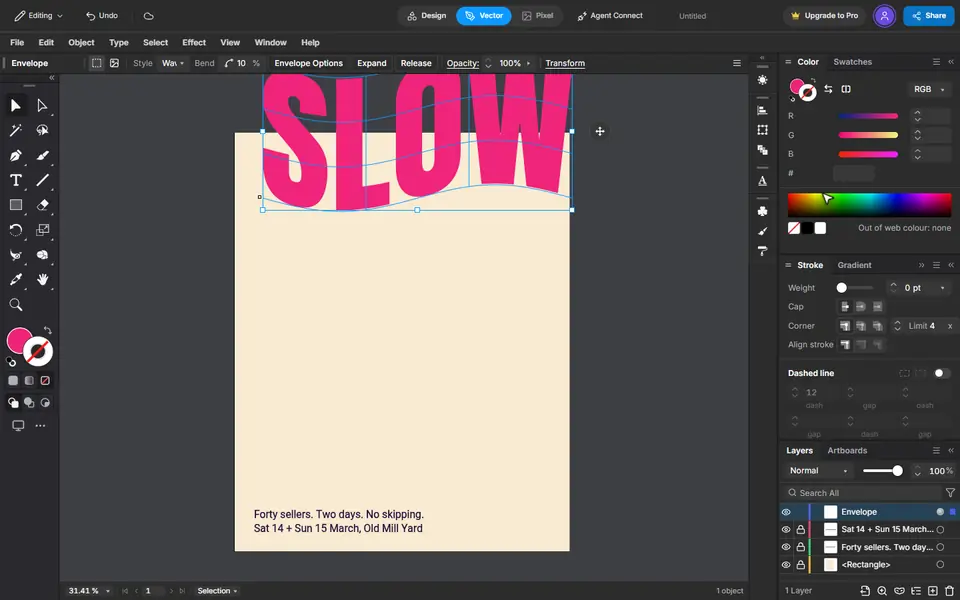
Make it shapes, then bend it
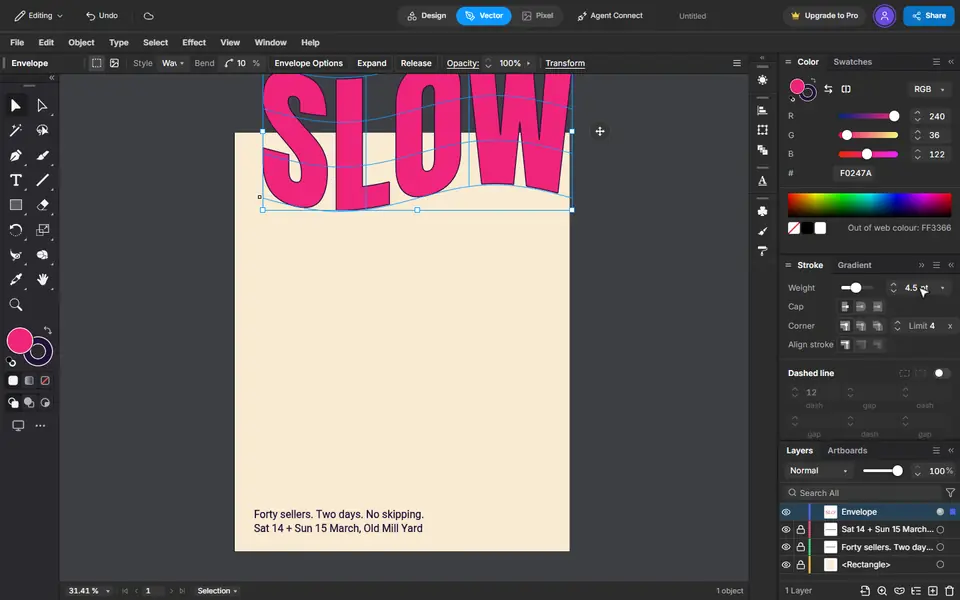
Type, Create Outlines turns the letters into shapes. Object, Envelope Distort, Make with Warp bends them: Wave, a small bend.
 3
An ink edge
Press X to switch to the stroke, give it the ink colour and a weight.
 4
A copy at the foot
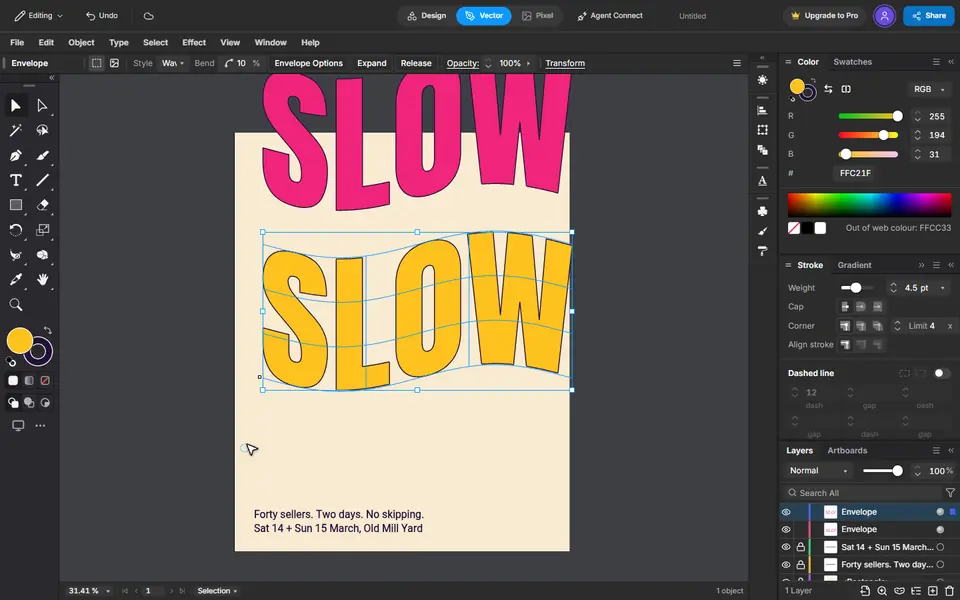
Copy, then Edit, Paste in Place. Give the copy another colour and drag it straight down with Shift held.
 5
Pour one into the other
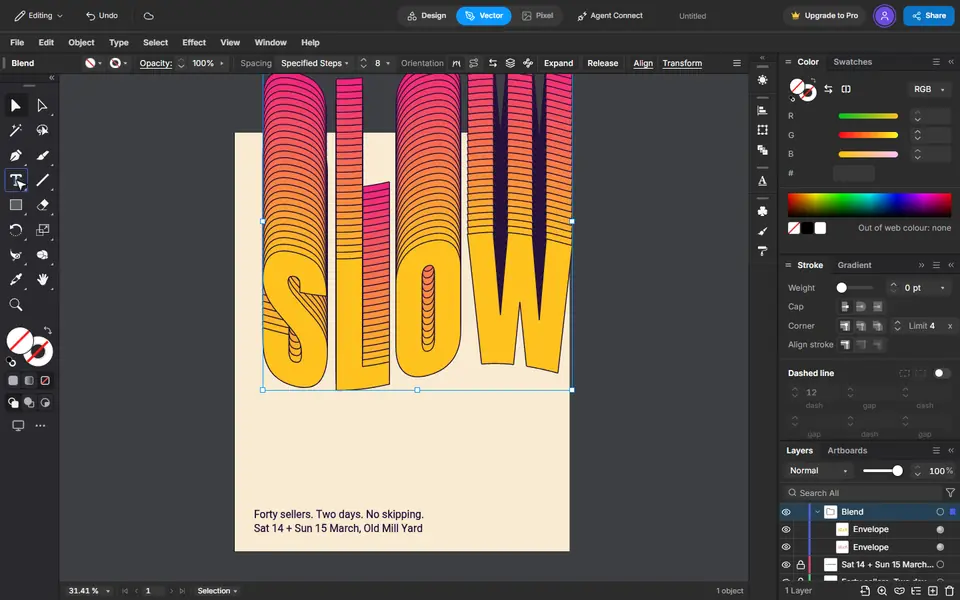
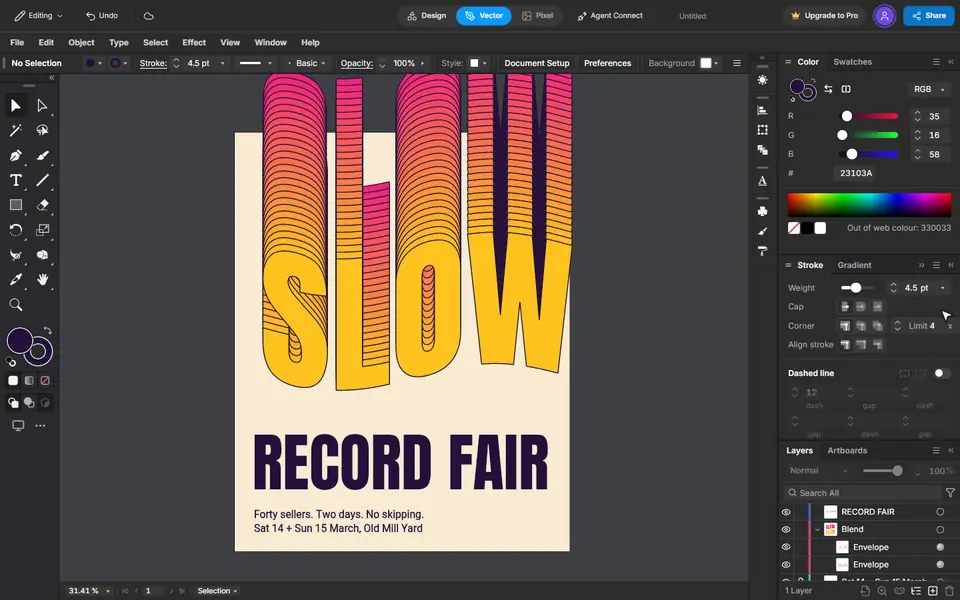
Select both. Blend Options set to 26 steps, then Object, Blend, Make fills the space between them.
 6
The title
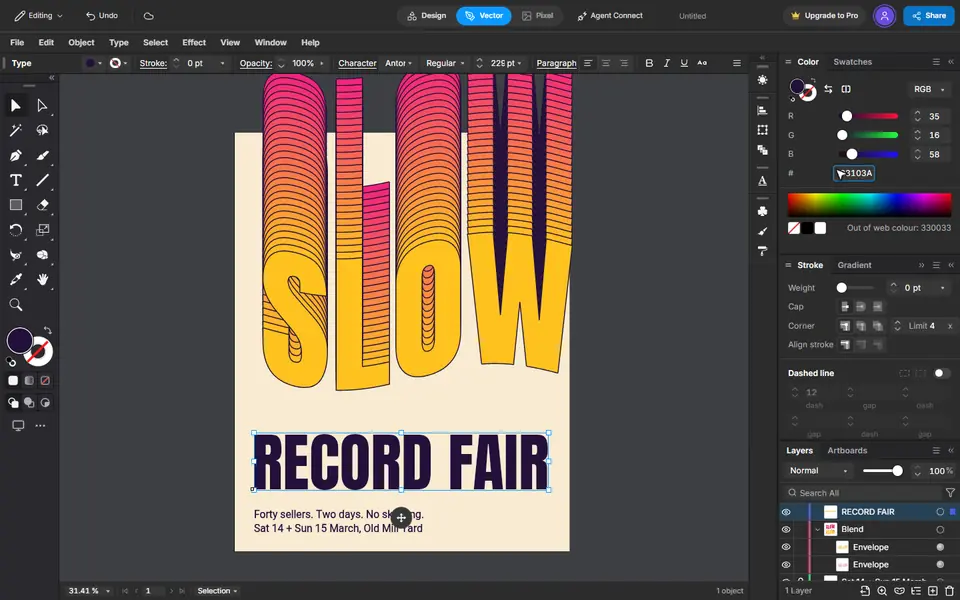
Type it, then make it big and give it the ink colour. It keeps the last font you used.
 7
That is the poster
Every step stays editable: the word, the bend and the number of steps.