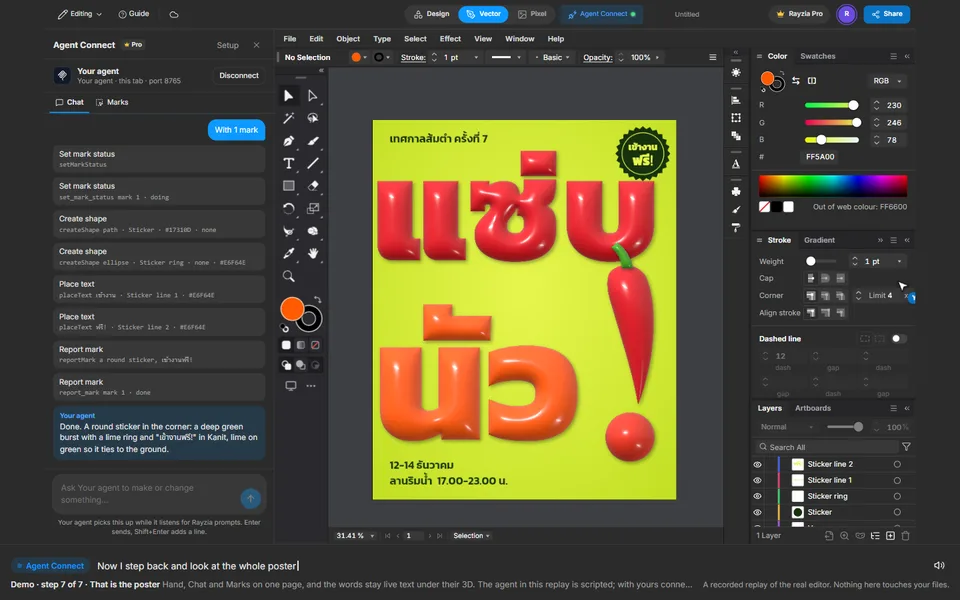
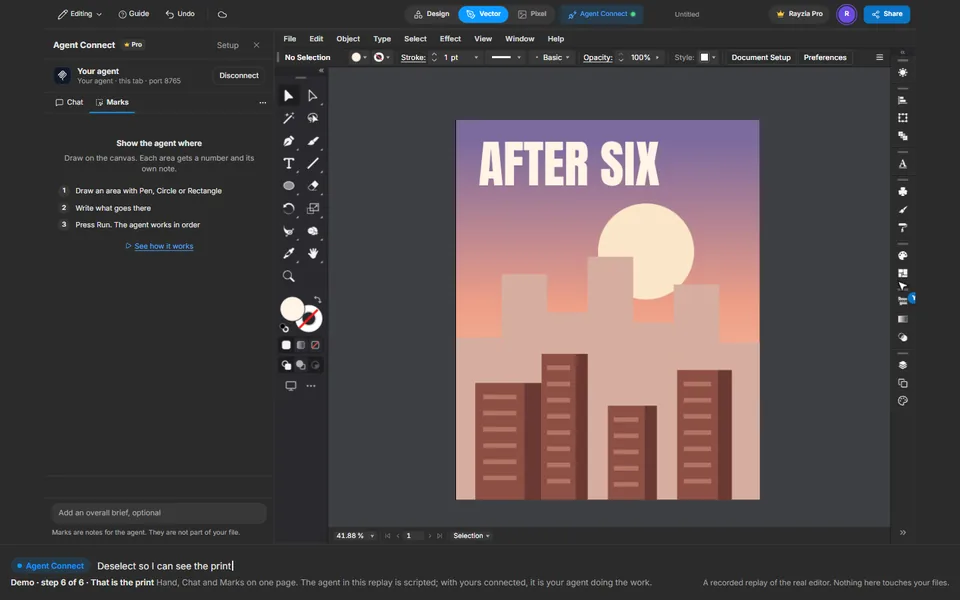
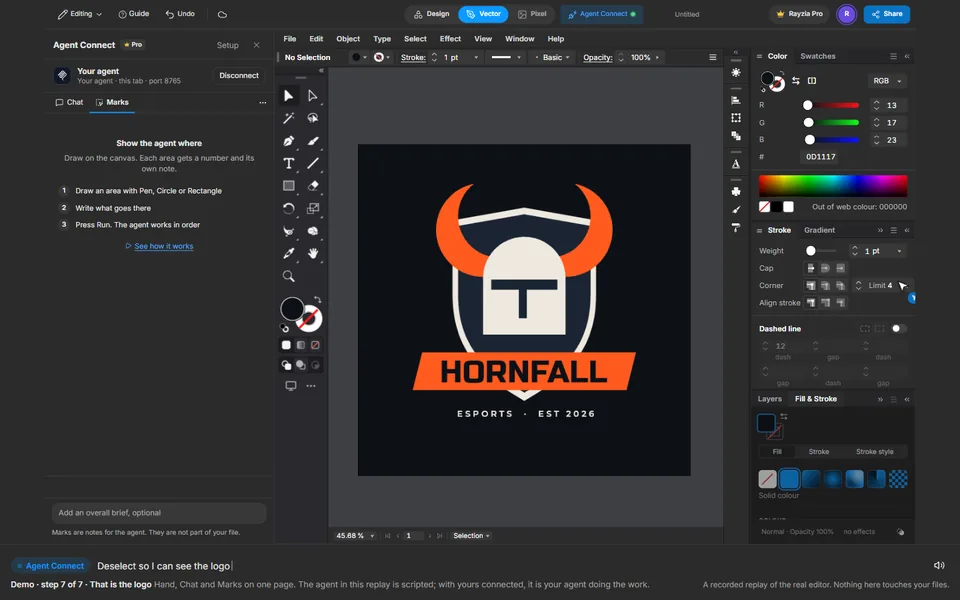
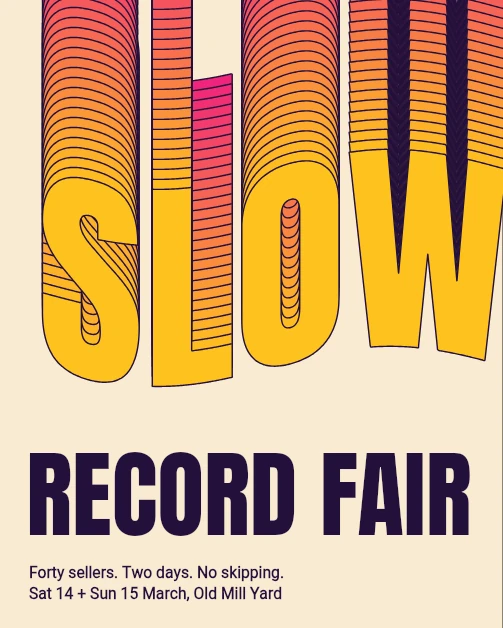
SLOW Record Fair
쏟아져 내리는 단어
Text, Create Outlines, Envelope, Blend
실제 에디터에서 재생됩니다. 내 작업은 건드리지 않습니다.
재생을 시작하지 못했습니다. 다시 시도하거나 에디터를 열어 단계를 따라 해 보세요.
실제 에디터에서 라이브로 볼 수도 있습니다. 휴대폰을 가로로 돌리면 더 크게 보입니다.
단계
 1
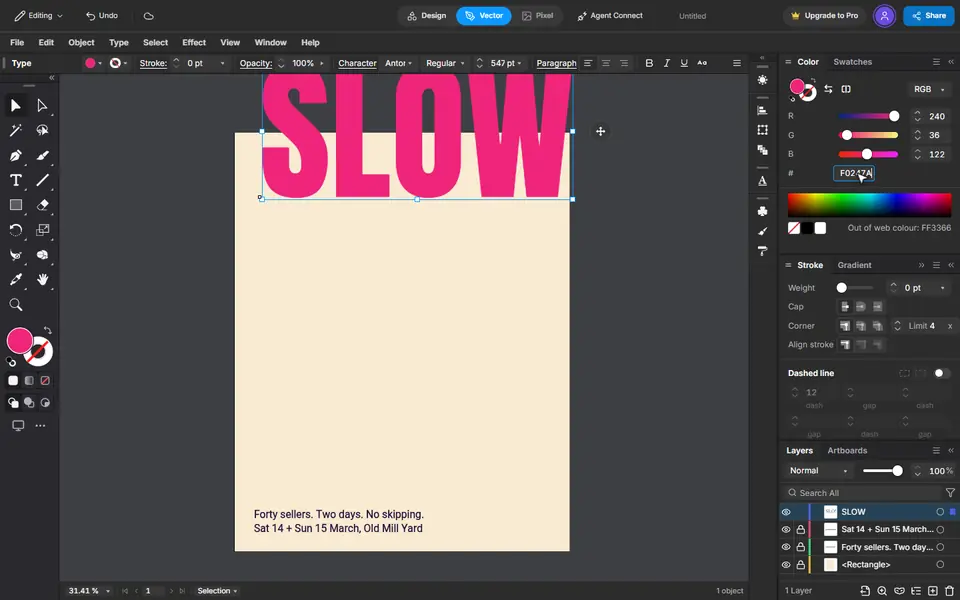
Type the word
Press T, click the page and type SLOW. Set the size and the font on the bar, and the colour in the Color panel.
 2
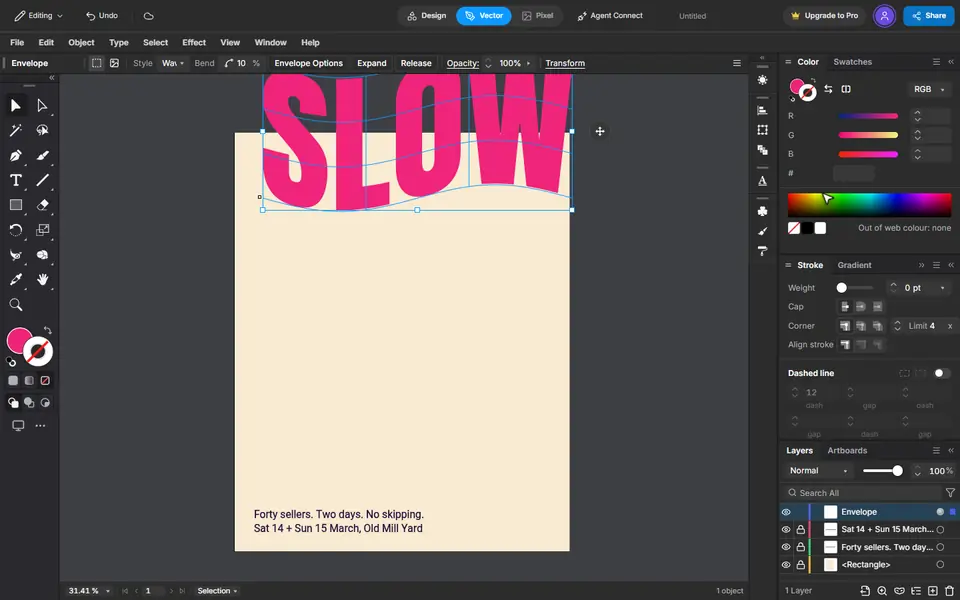
Make it shapes, then bend it
Type, Create Outlines turns the letters into shapes. Object, Envelope Distort, Make with Warp bends them: Wave, a small bend.
 3
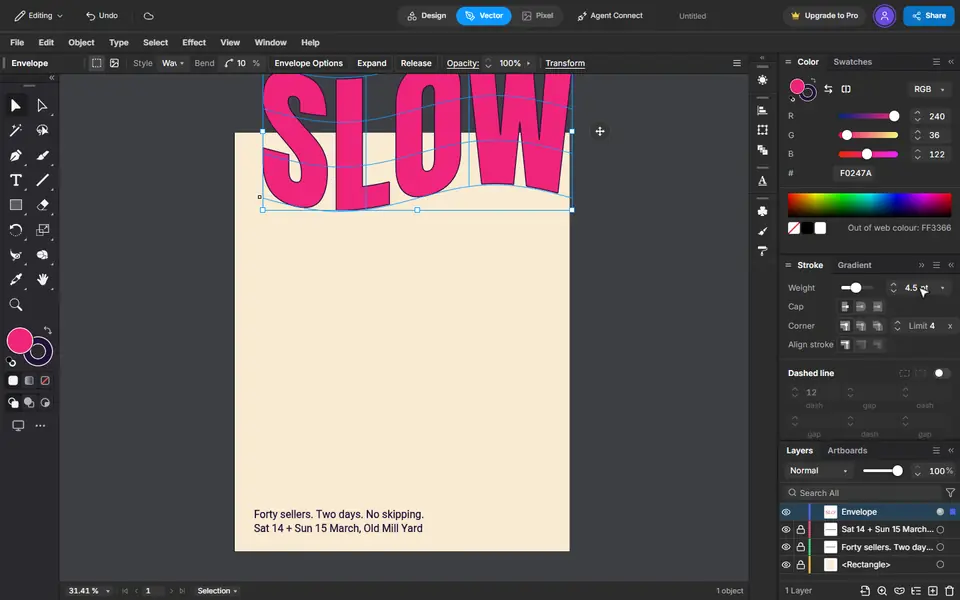
An ink edge
Press X to switch to the stroke, give it the ink colour and a weight.
 4
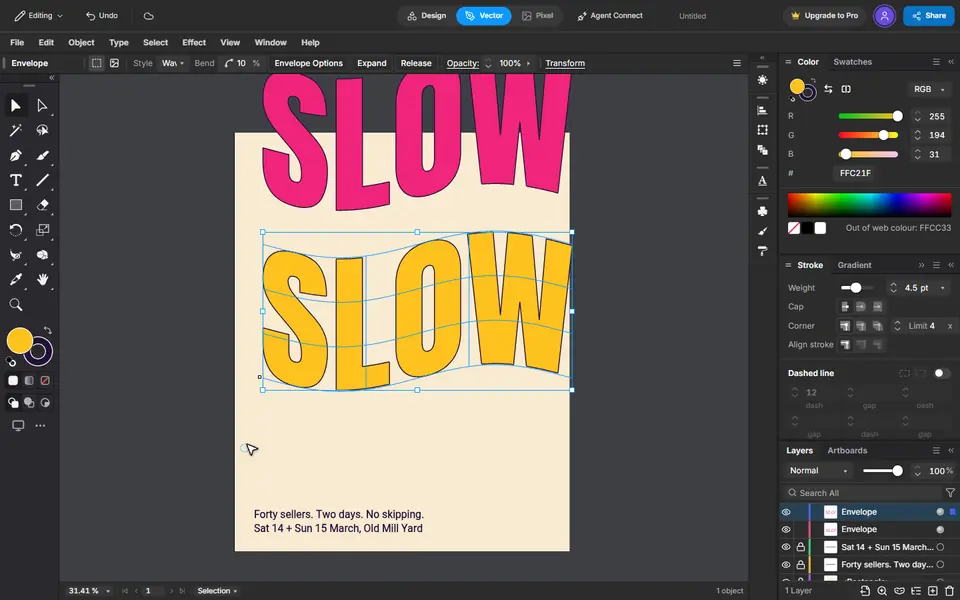
A copy at the foot
Copy, then Edit, Paste in Place. Give the copy another colour and drag it straight down with Shift held.
 5
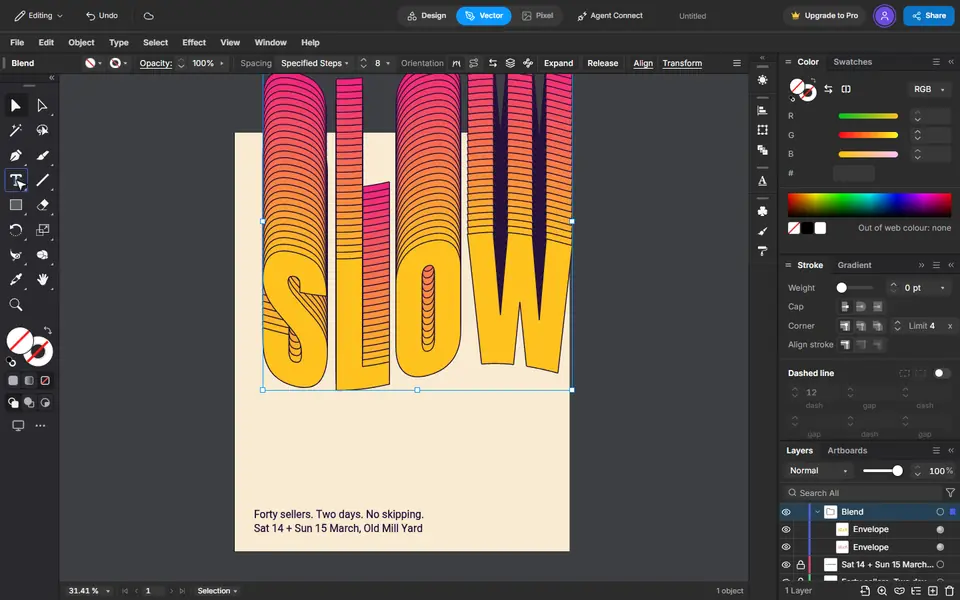
Pour one into the other
Select both. Blend Options set to 26 steps, then Object, Blend, Make fills the space between them.
 6
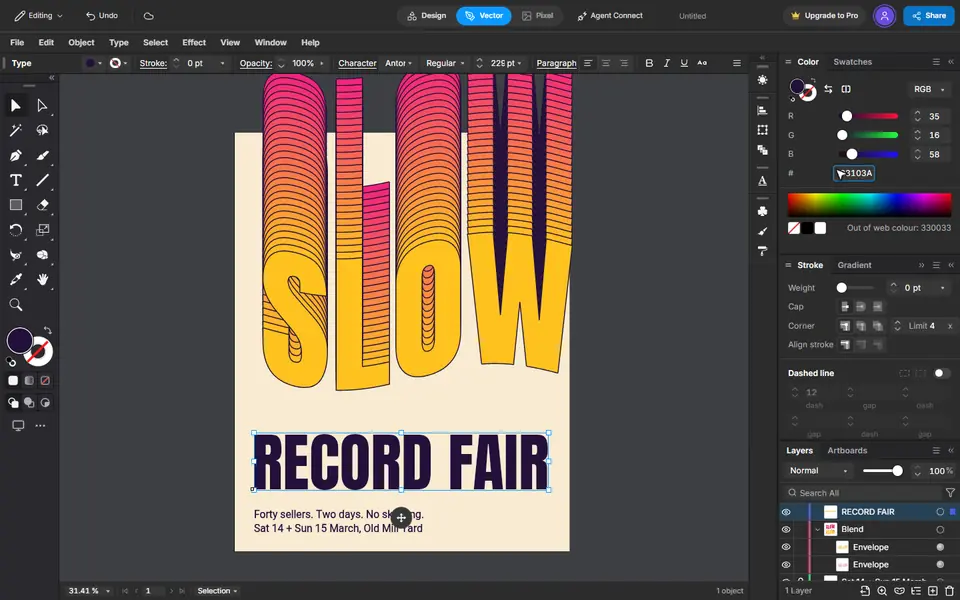
The title
Type it, then make it big and give it the ink colour. It keeps the last font you used.
 7
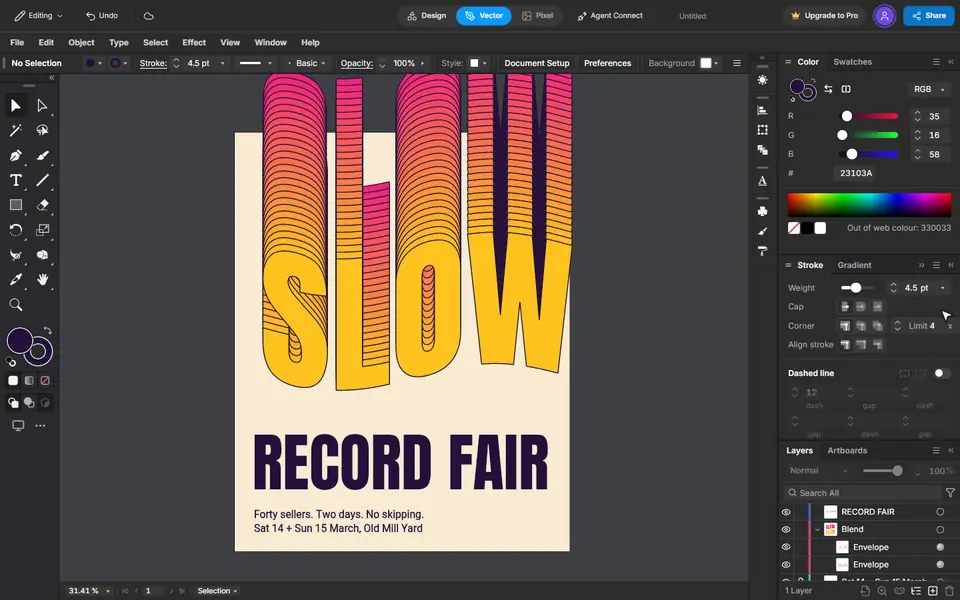
That is the poster
Every step stays editable: the word, the bend and the number of steps.