SLOW Record Fair
Una palabra que se derrama
Text, Create Outlines, Envelope, Blend
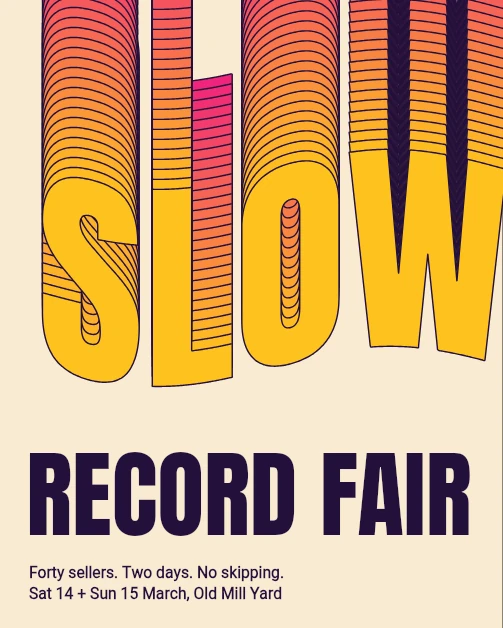
Se reproduce en el editor real. No toca tu trabajo.
No se pudo iniciar la reproducción. Inténtalo de nuevo o abre el editor y sigue los pasos.
O míralo en vivo, en el editor real. Gira el teléfono para verlo más grande.
Los pasos
 1
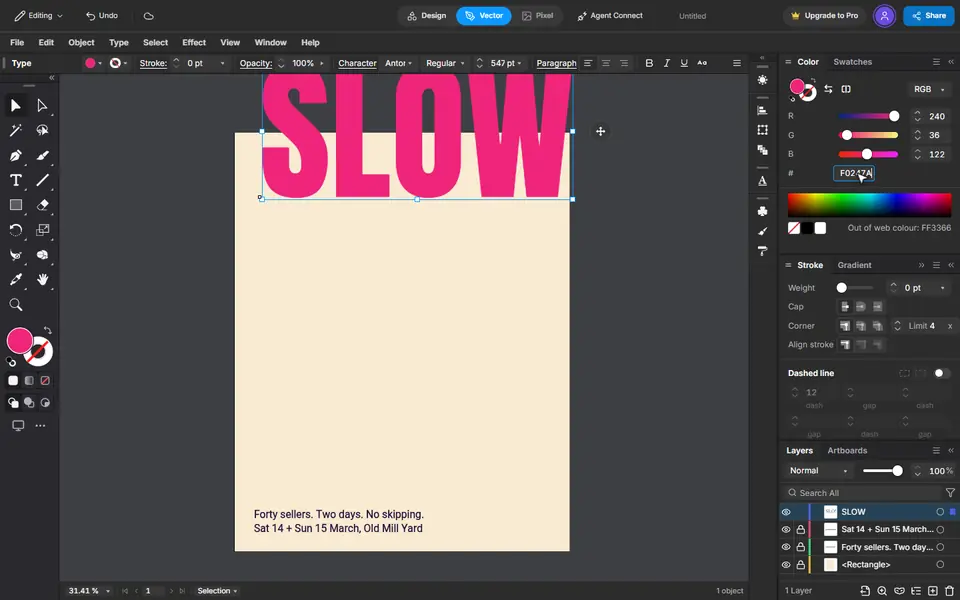
Type the word
Press T, click the page and type SLOW. Set the size and the font on the bar, and the colour in the Color panel.
 2
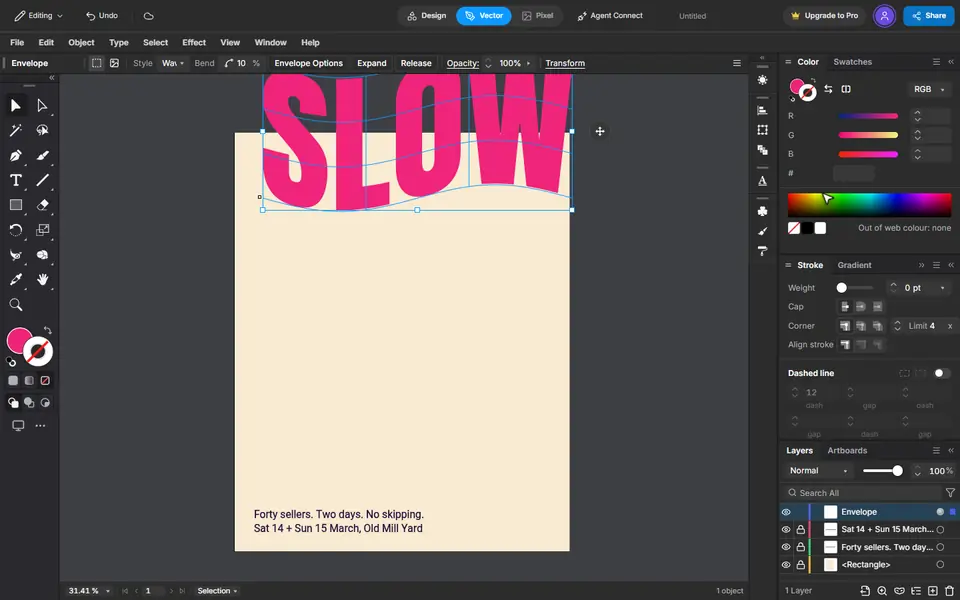
Make it shapes, then bend it
Type, Create Outlines turns the letters into shapes. Object, Envelope Distort, Make with Warp bends them: Wave, a small bend.
 3
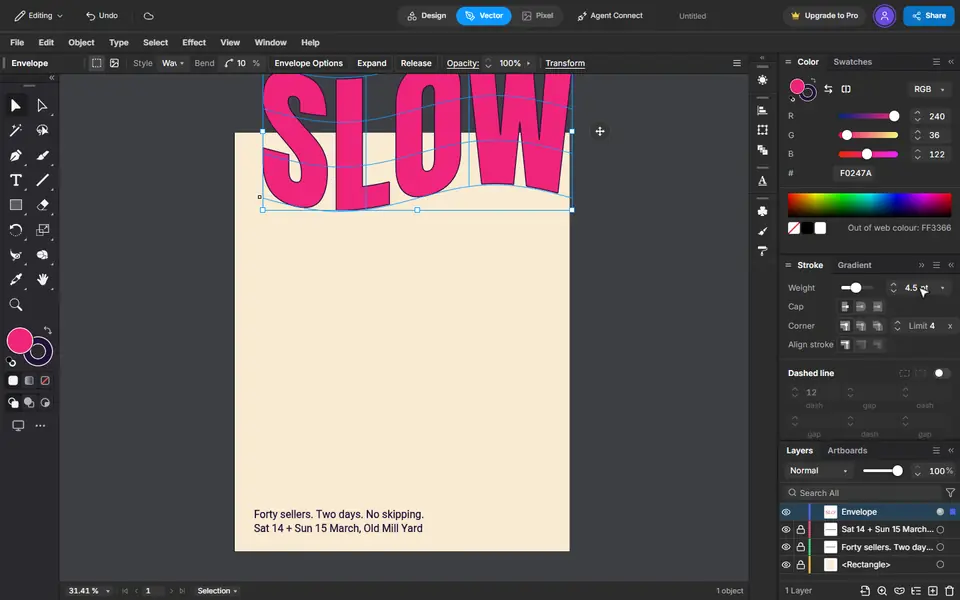
An ink edge
Press X to switch to the stroke, give it the ink colour and a weight.
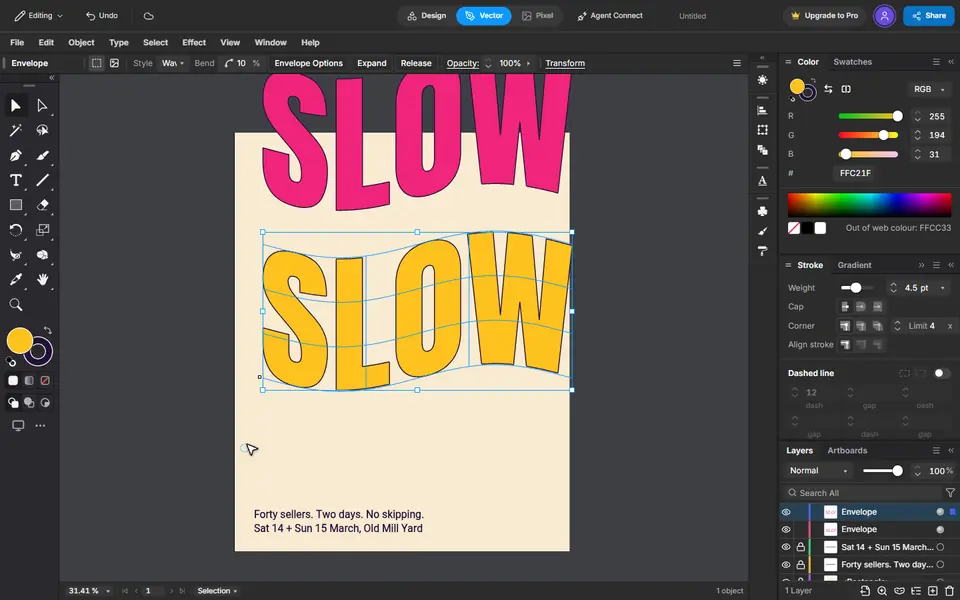 4
A copy at the foot
Copy, then Edit, Paste in Place. Give the copy another colour and drag it straight down with Shift held.
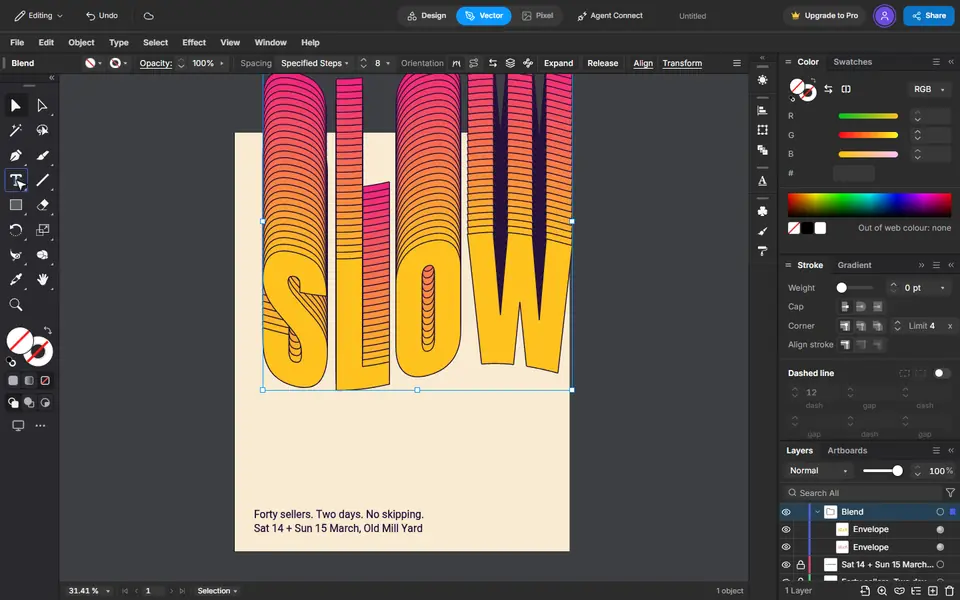 5
Pour one into the other
Select both. Blend Options set to 26 steps, then Object, Blend, Make fills the space between them.
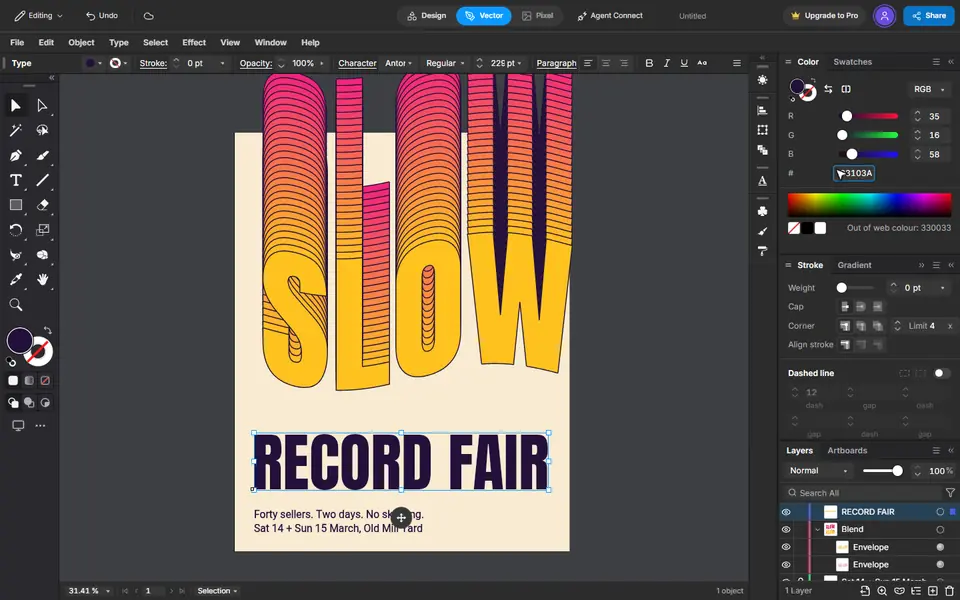 6
The title
Type it, then make it big and give it the ink colour. It keeps the last font you used.
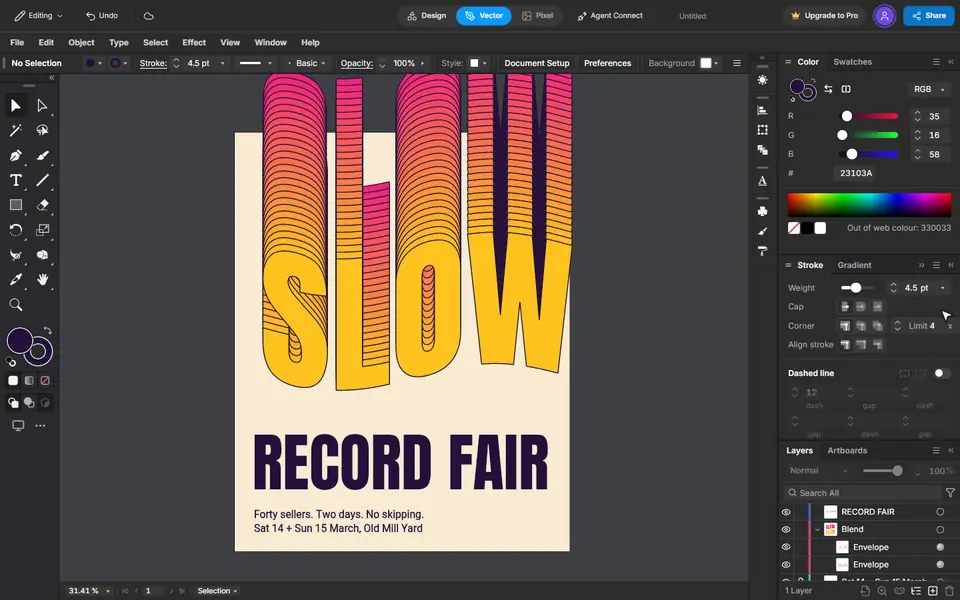 7
That is the poster
Every step stays editable: the word, the bend and the number of steps.
Las lecciones que incluye
Más ejemplos
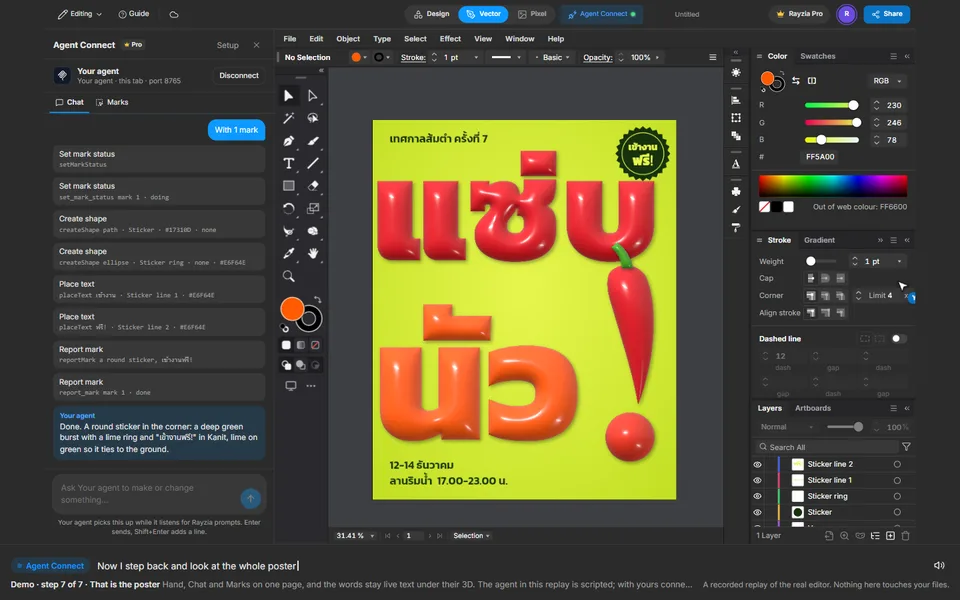 Principiante2:24
Una palabra tailandesa, inflada
Text, 3D Inflate, Apply Last Effect, Agent Connect Chat, Marks
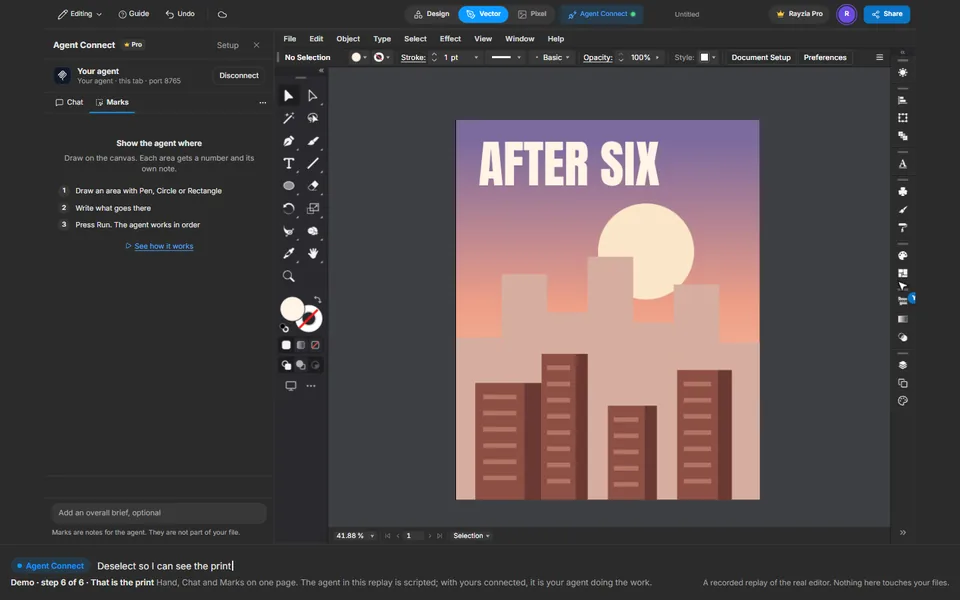 Intermedio1:47
Lámina de un horizonte al anochecer
Gradient, Ellipse, Agent Connect Chat, Marks, Text
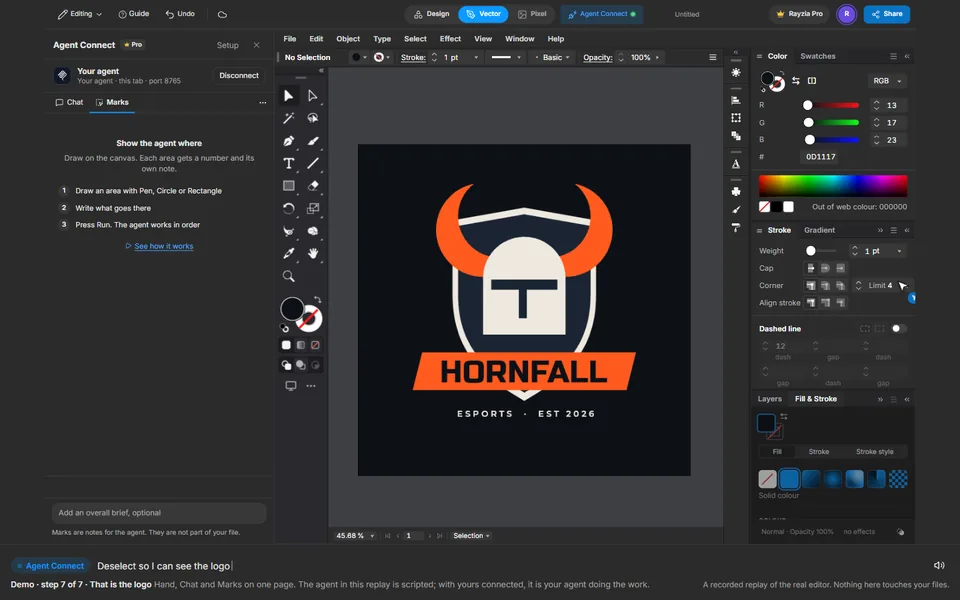 Intermedio2:11
Logo de un equipo de esports
Shape Builder, Reflect, Move, Agent Connect Chat, Marks, Text