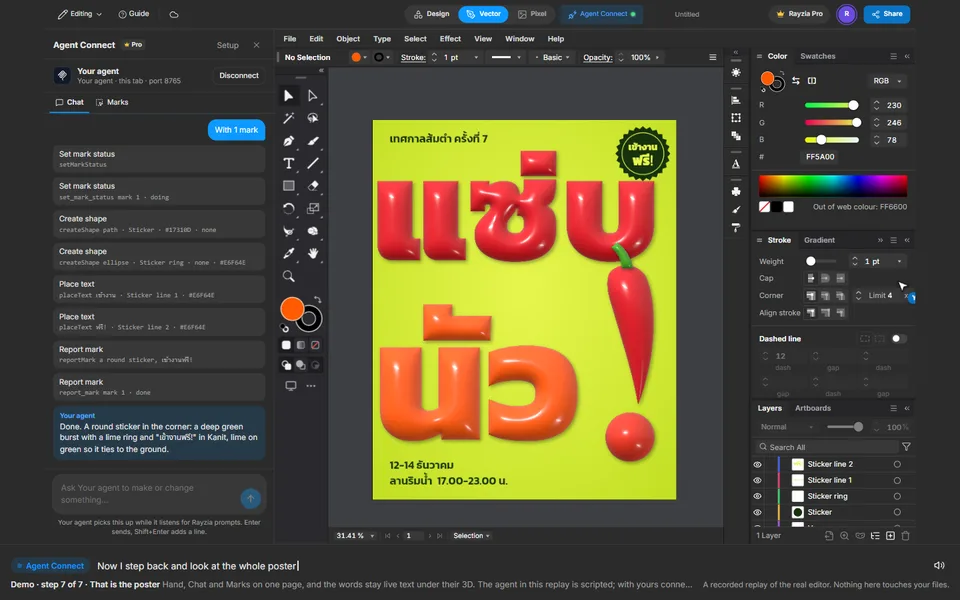
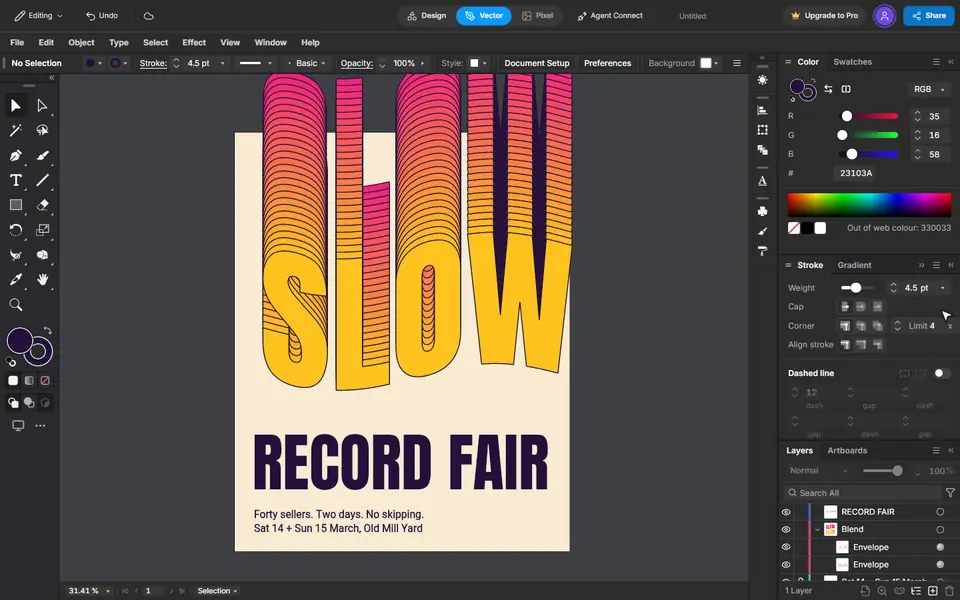
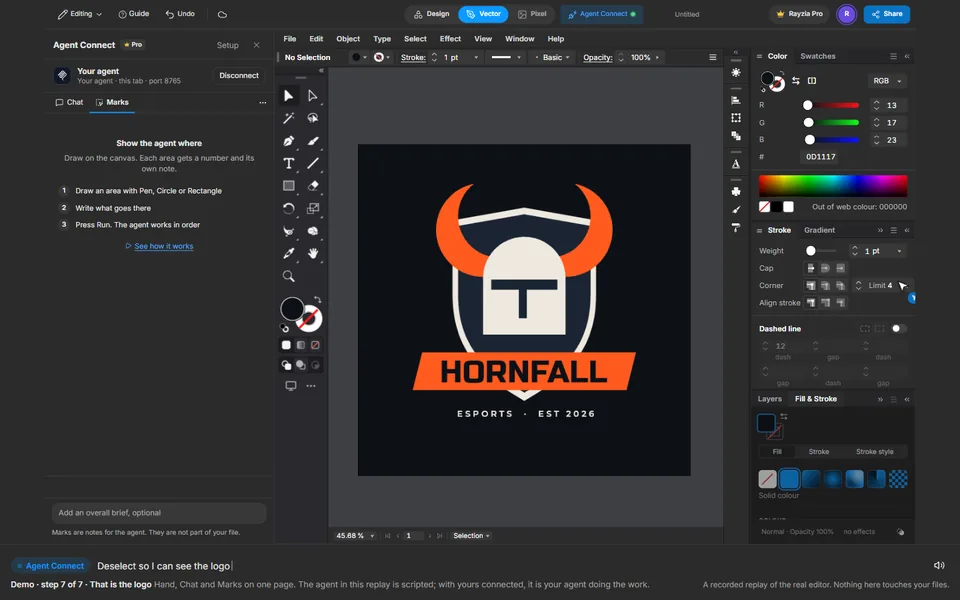
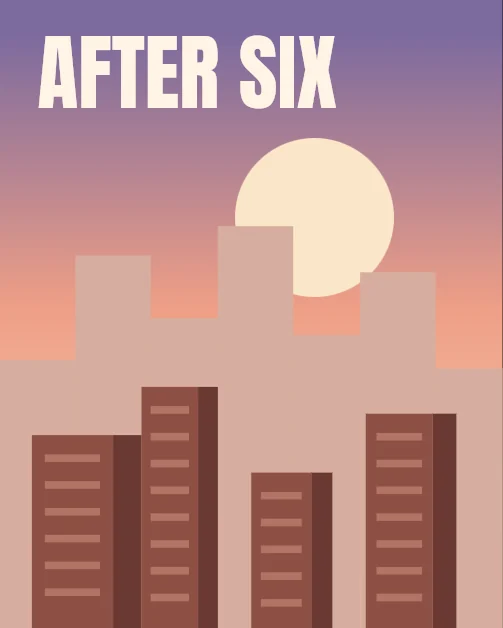
After Six
Lámina de un horizonte al anochecer
Gradient, Ellipse, Agent Connect Chat, Marks, Text
Se reproduce en el editor real. No toca tu trabajo.
No se pudo iniciar la reproducción. Inténtalo de nuevo o abre el editor y sigue los pasos.
O míralo en vivo, en el editor real. Gira el teléfono para verlo más grande.
Los pasos
 1
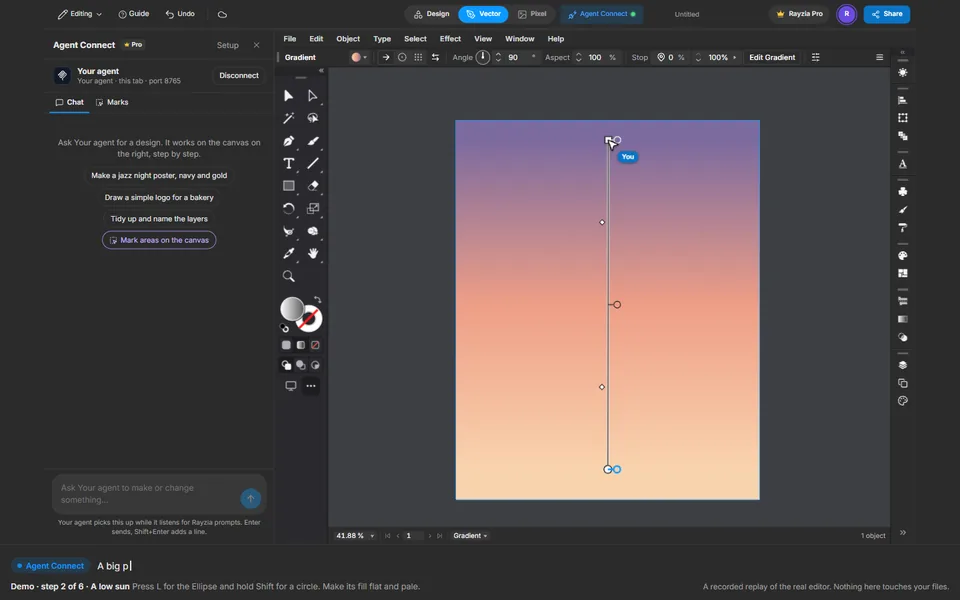
The sky, by hand
Draw a rectangle over the page and give it a gradient. Set three stops in Fill & Stroke, then drag the Gradient tool from the horizon up.
 2
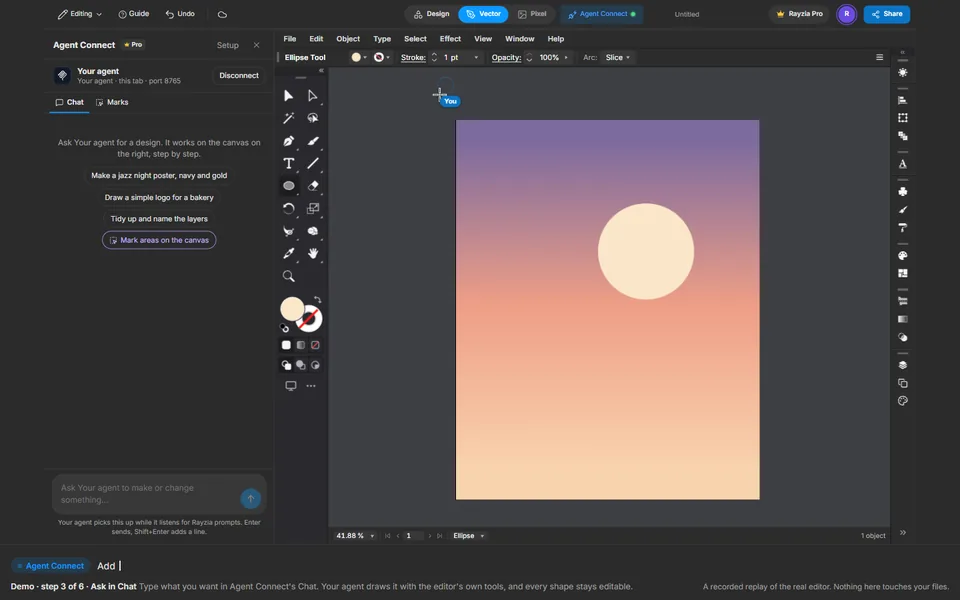
A low sun
Press L for the Ellipse and hold Shift for a circle. Make its fill flat and pale.
 3
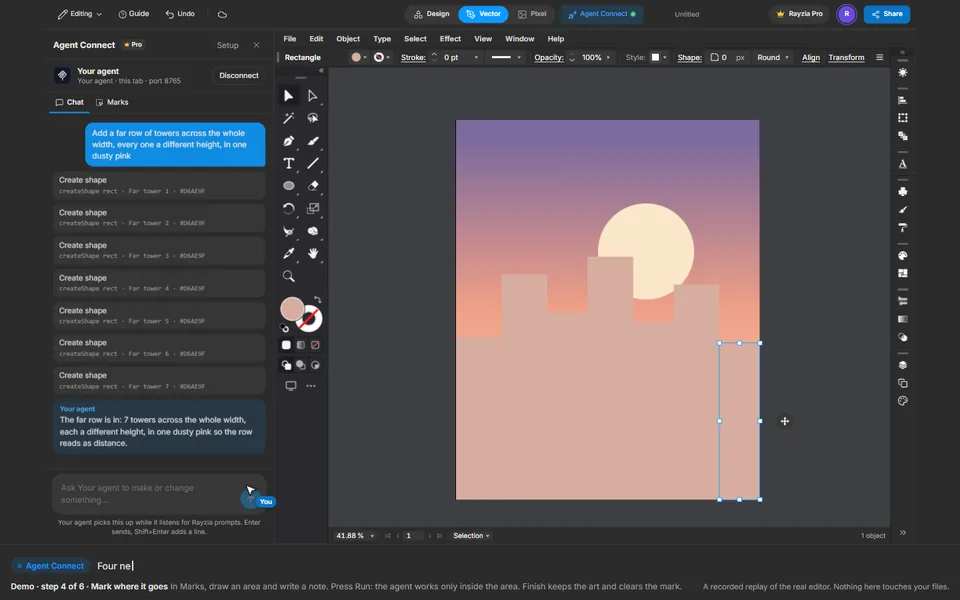
Ask in Chat
Type what you want in Agent Connect's Chat. Your agent draws it with the editor's own tools, and every shape stays editable.
 4
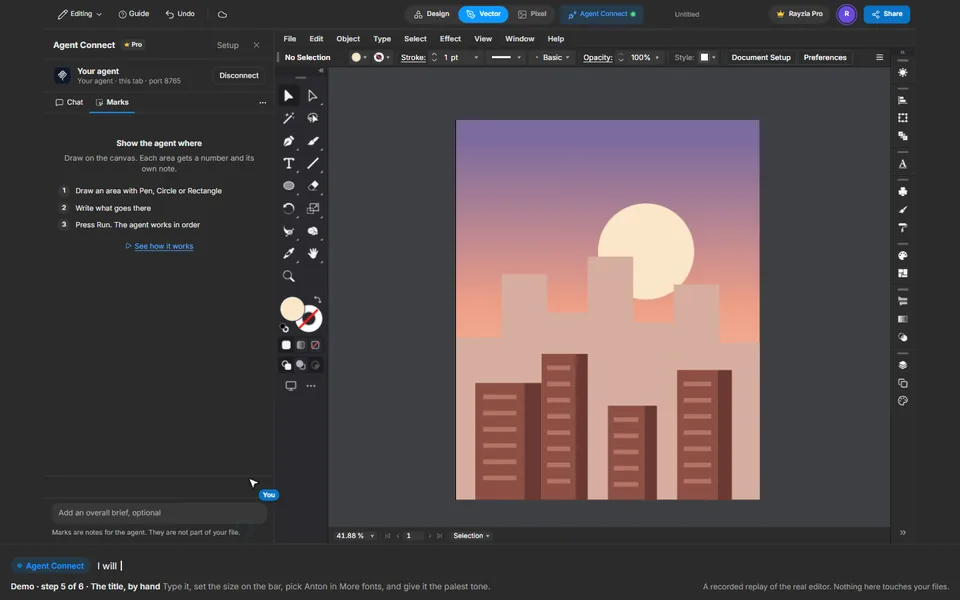
Mark where it goes
In Marks, draw an area and write a note. Press Run: the agent works only inside the area. Finish keeps the art and clears the mark.
 5
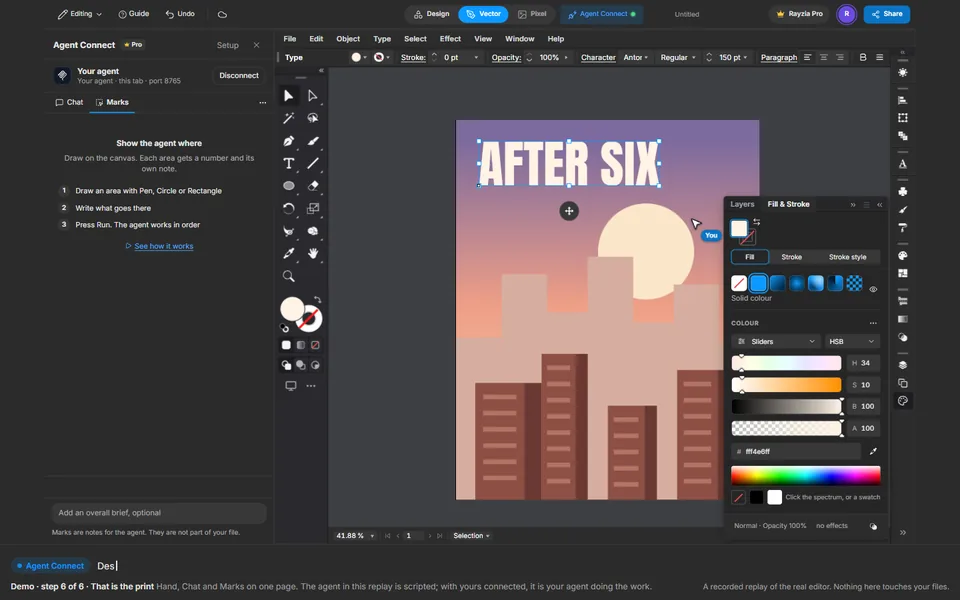
The title, by hand
Type it, set the size on the bar, pick Anton in More fonts, and give it the palest tone.
 6
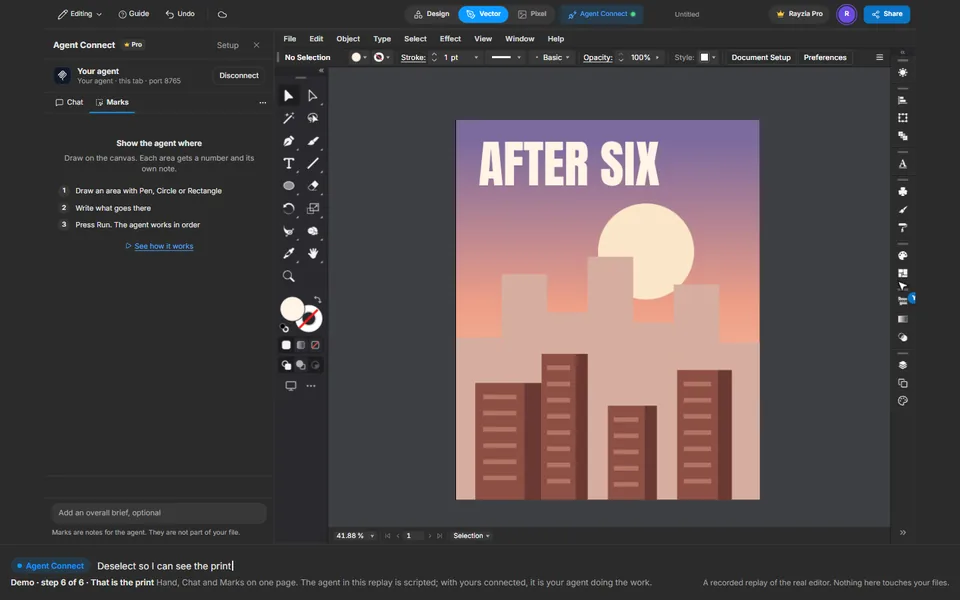
That is the print
Hand, Chat and Marks on one page. The agent in this replay is scripted; with yours connected, it is your agent doing the work.