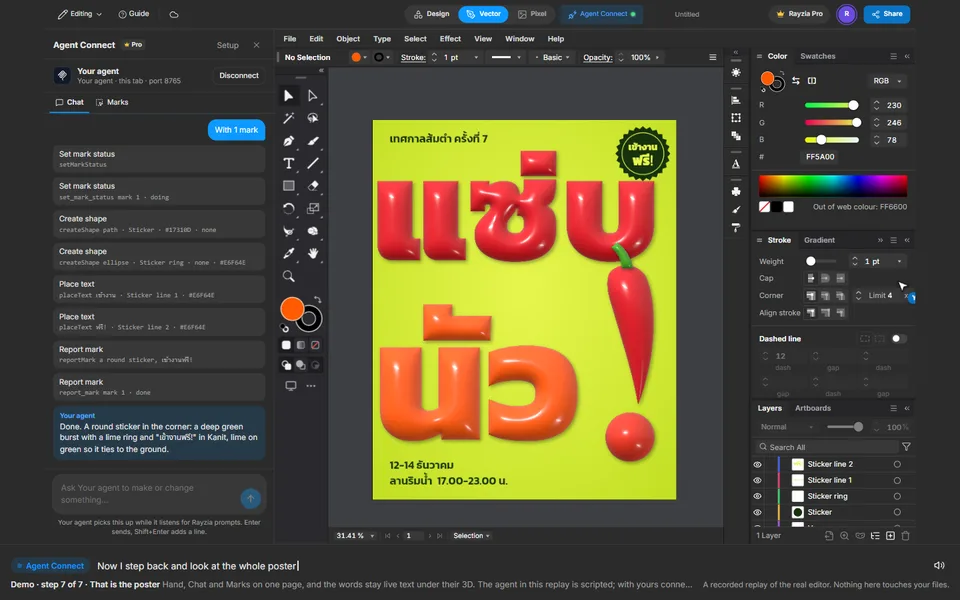
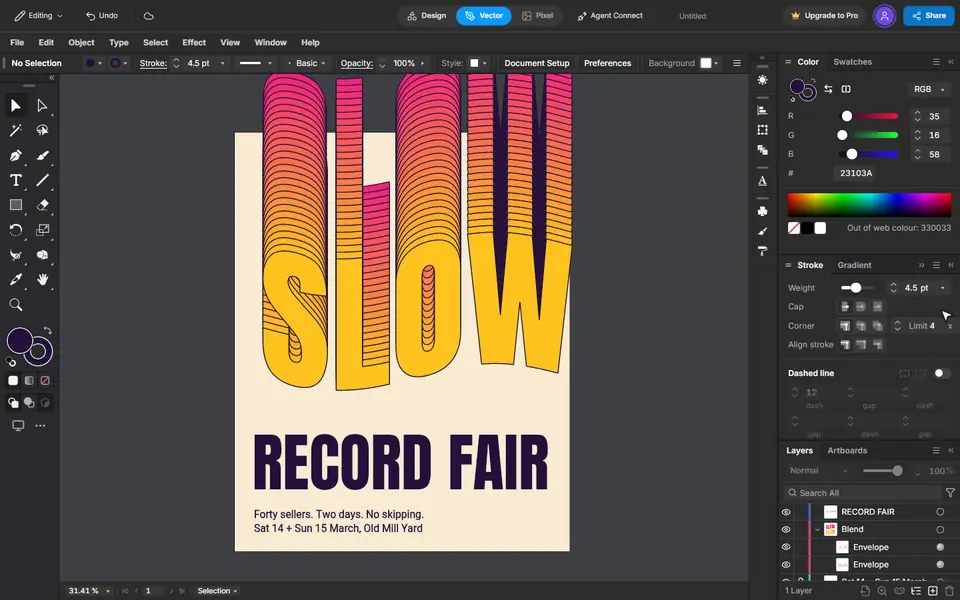
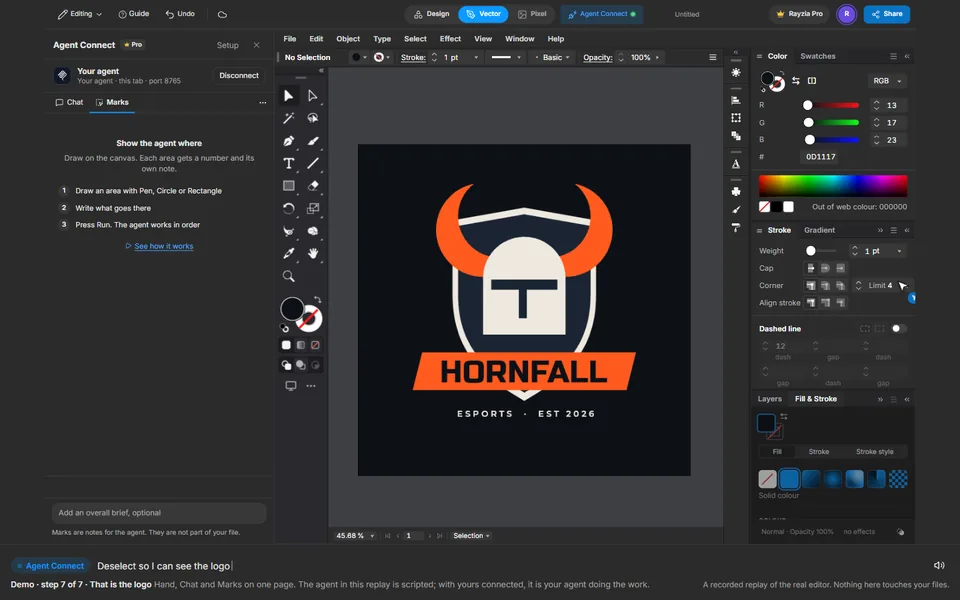
After Six
夕暮れのスカイラインのプリント
Gradient, Ellipse, Agent Connect Chat, Marks, Text

実際のエディターで再生します。あなたの作業には触れません。
再生を開始できませんでした。もう一度試すか、エディターを開いて手順をたどってください。
実際のエディターでライブ再生も見られます。スマホを横にすると大きく見えます。
手順
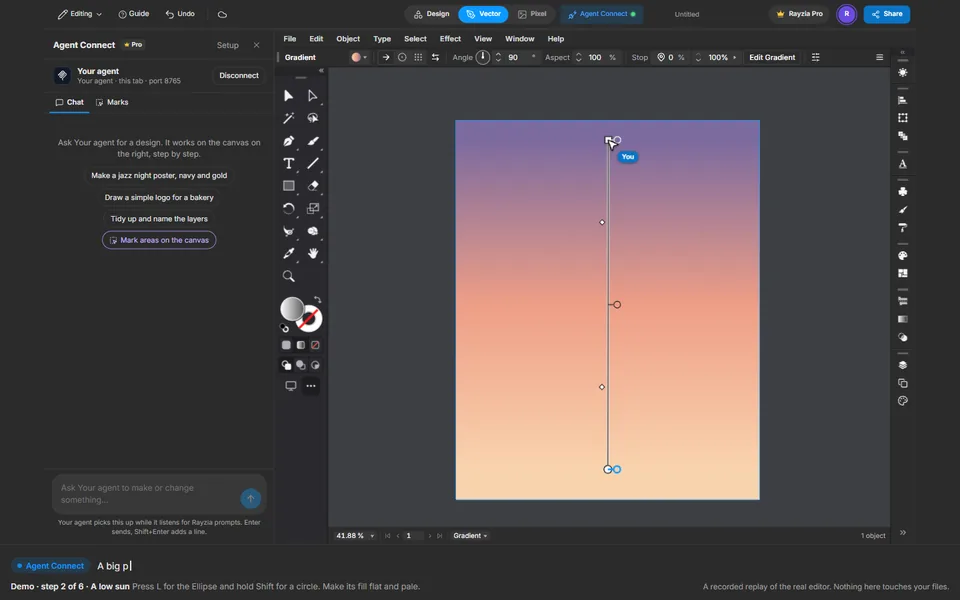 1
The sky, by hand
Draw a rectangle over the page and give it a gradient. Set three stops in Fill & Stroke, then drag the Gradient tool from the horizon up.
 2
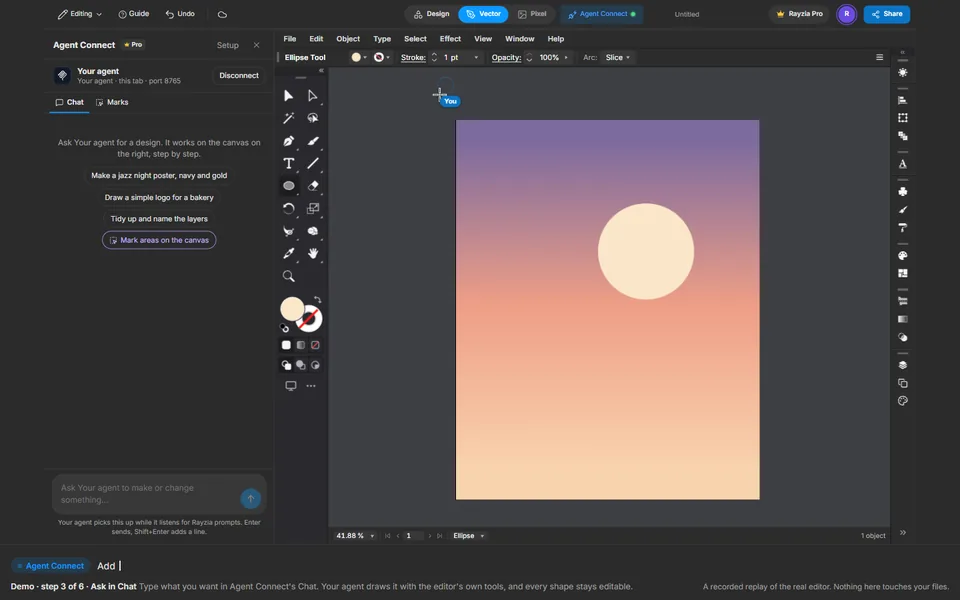
A low sun
Press L for the Ellipse and hold Shift for a circle. Make its fill flat and pale.
 3
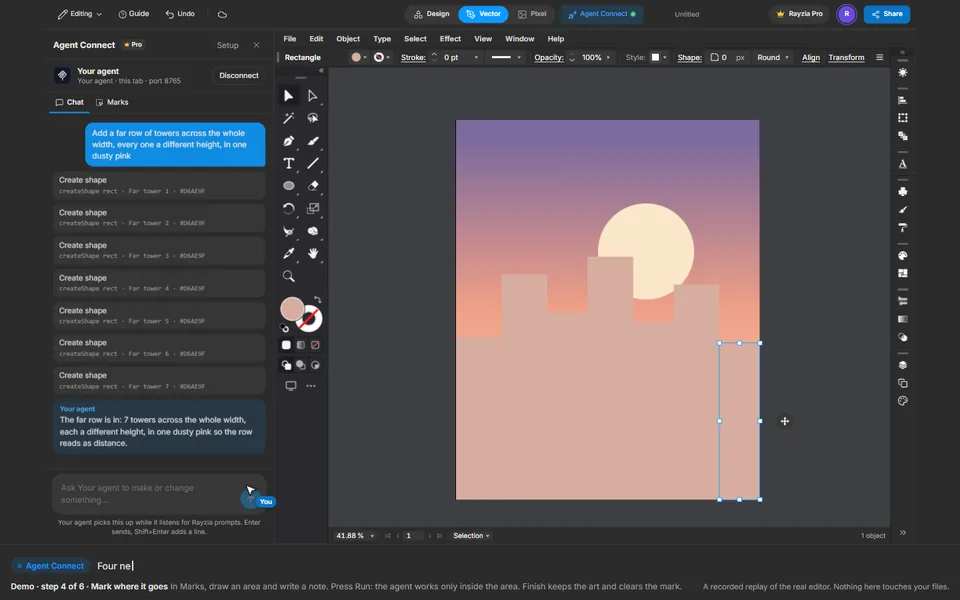
Ask in Chat
Type what you want in Agent Connect's Chat. Your agent draws it with the editor's own tools, and every shape stays editable.
 4
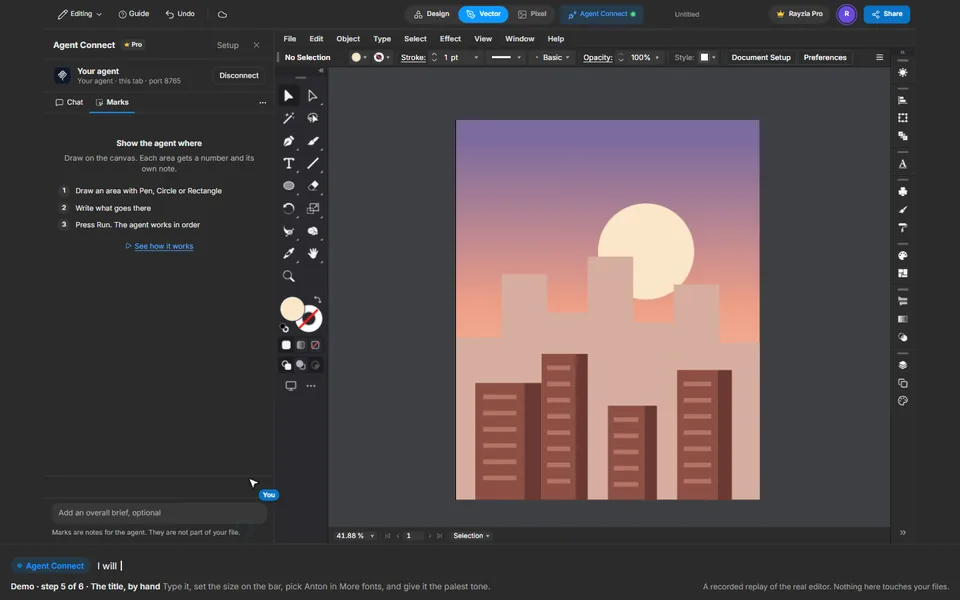
Mark where it goes
In Marks, draw an area and write a note. Press Run: the agent works only inside the area. Finish keeps the art and clears the mark.
 5
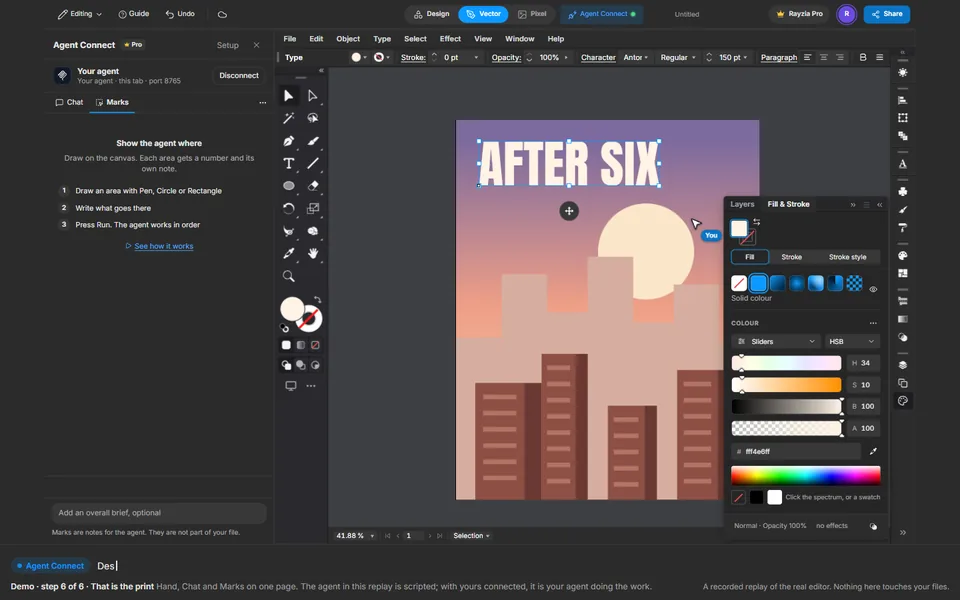
The title, by hand
Type it, set the size on the bar, pick Anton in More fonts, and give it the palest tone.
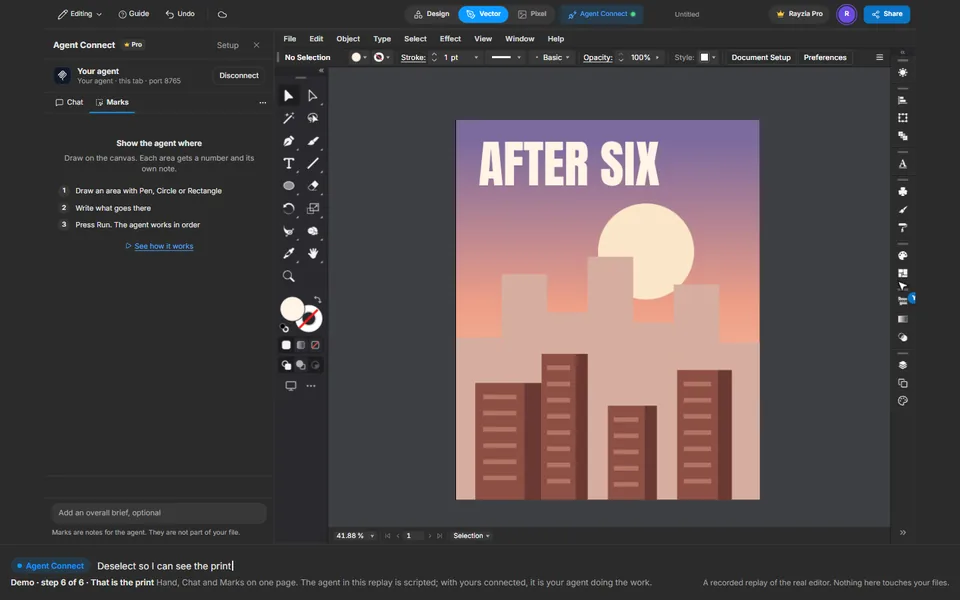 6
That is the print
Hand, Chat and Marks on one page. The agent in this replay is scripted; with yours connected, it is your agent doing the work.