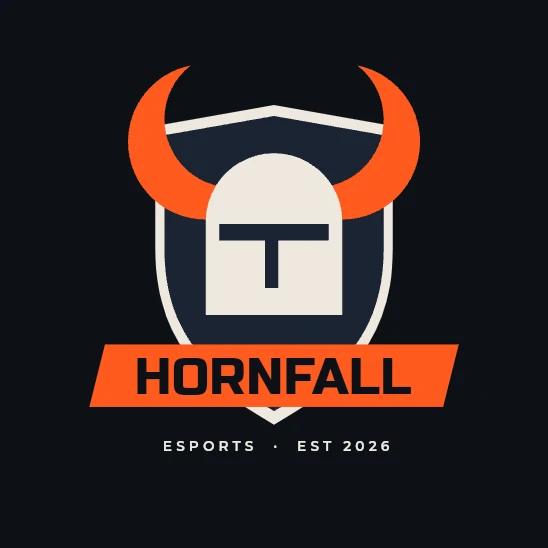
Hornfall
Esports team logo
Shape Builder, Reflect, Move, Agent Connect Chat, Marks, Text
Plays on the real editor. Nothing here touches your work.
The replay could not start. Try again, or open the editor and follow the steps.
Or watch it live, in the real editor. Turn your phone sideways for a bigger view.
The steps
 1
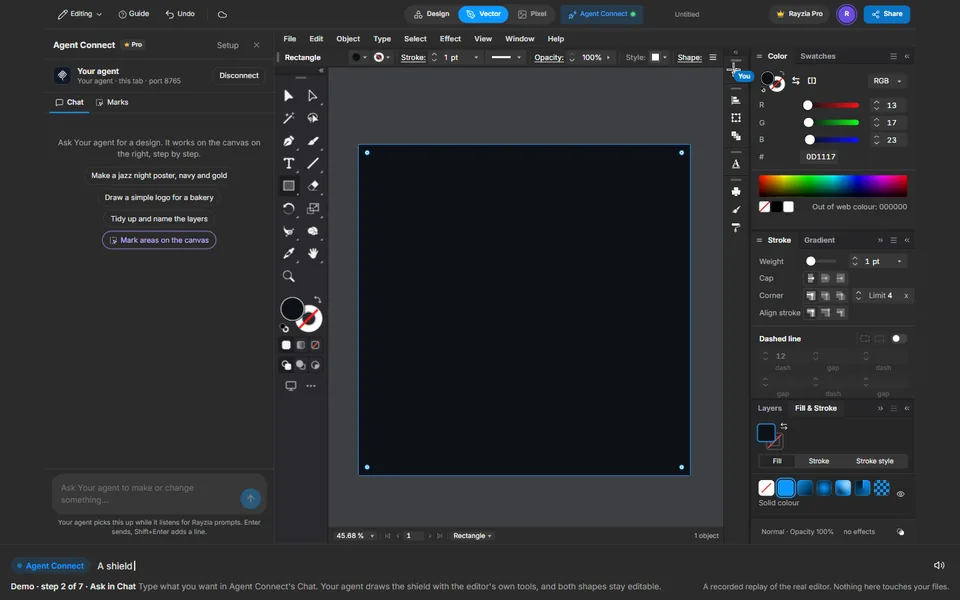
The ground, by hand
Draw a rectangle over the page, take its stroke off, type the near black into the Color panel, and lock it with Ctrl+2.
 2
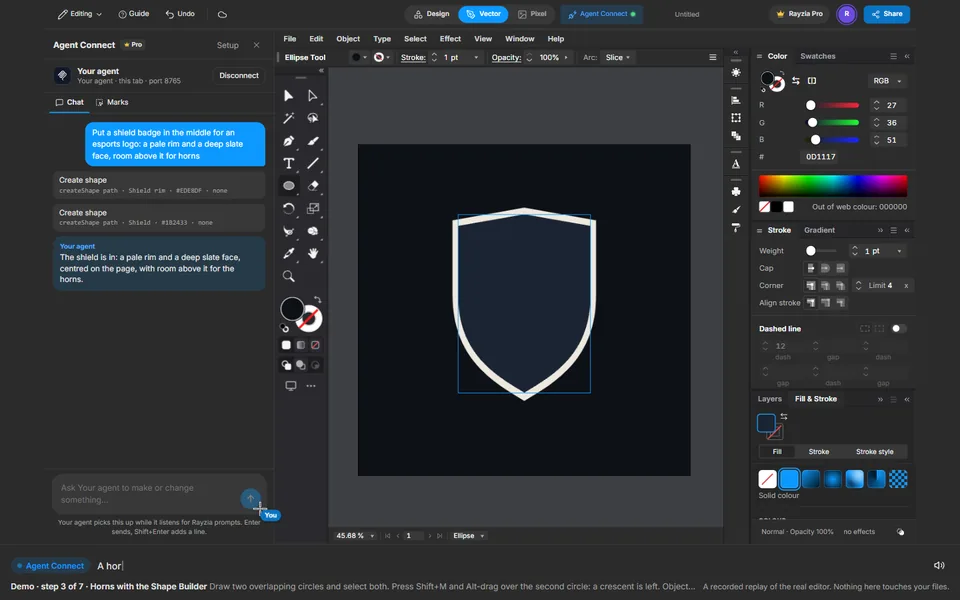
Ask in Chat
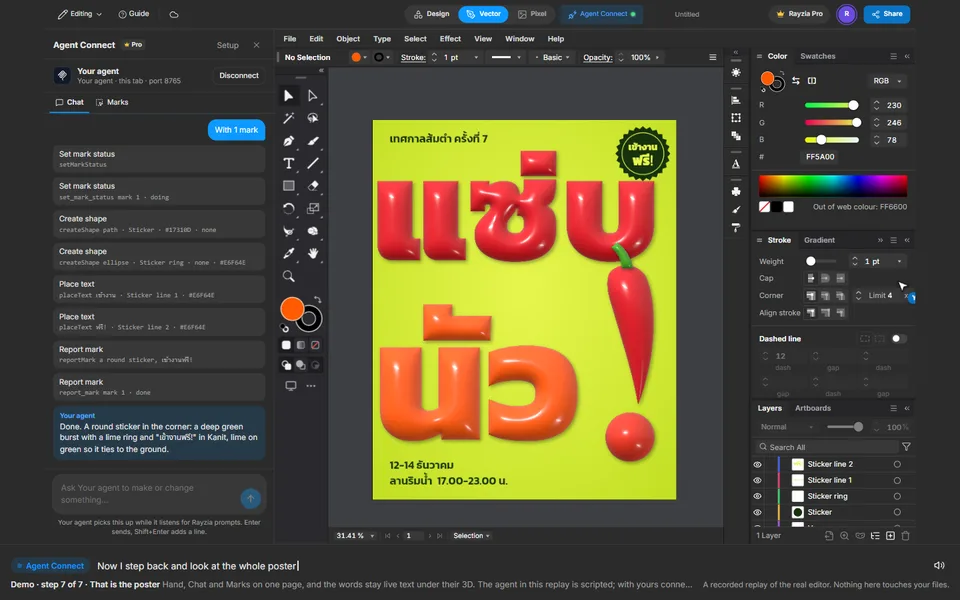
Type what you want in Agent Connect's Chat. Your agent draws the shield with the editor's own tools, and both shapes stay editable.
 3
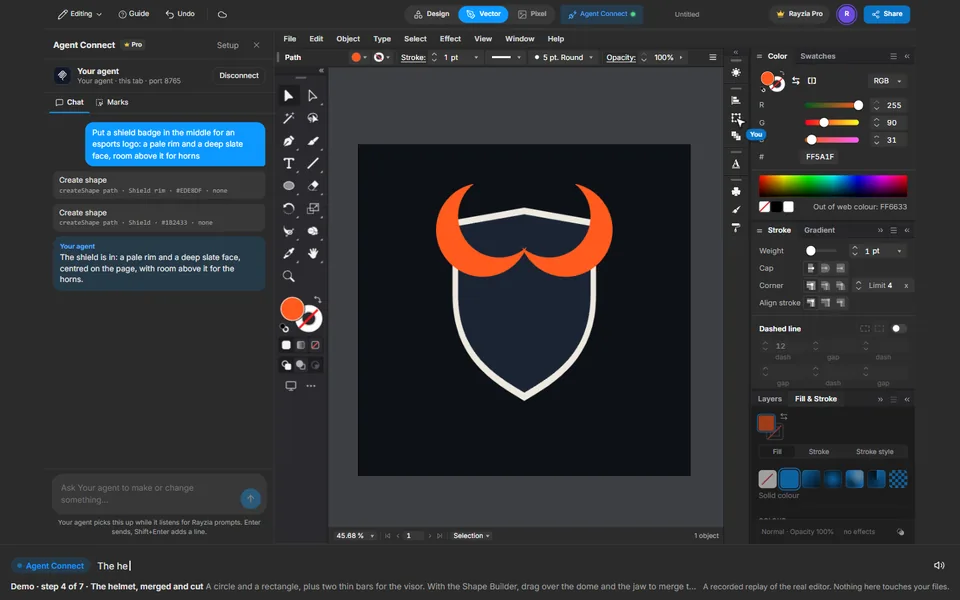
Horns with the Shape Builder
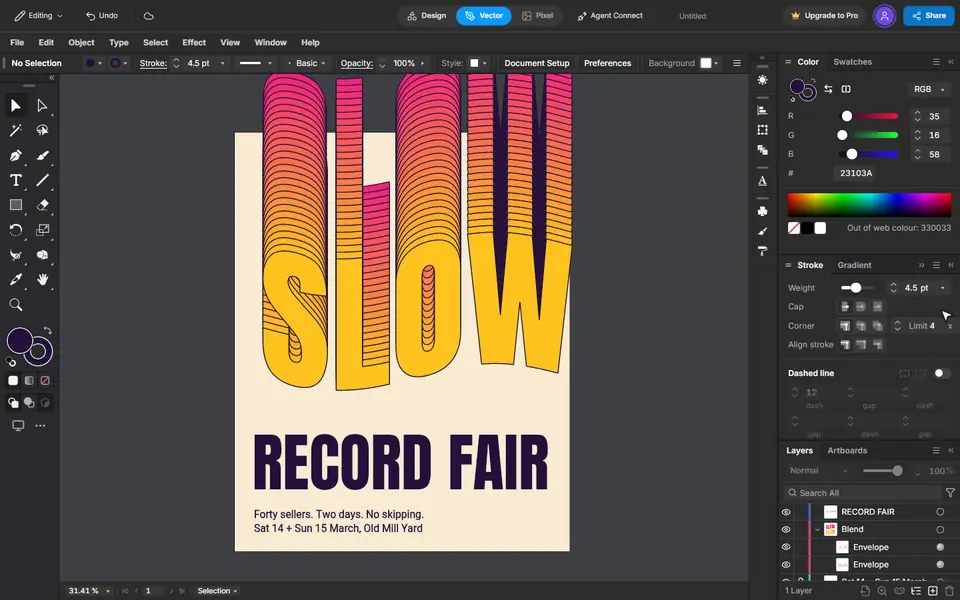
Draw two overlapping circles and select both. Press Shift+M and Alt-drag over the second circle: a crescent is left. Object > Transform > Reflect makes a copy, and Move takes it across.
 4
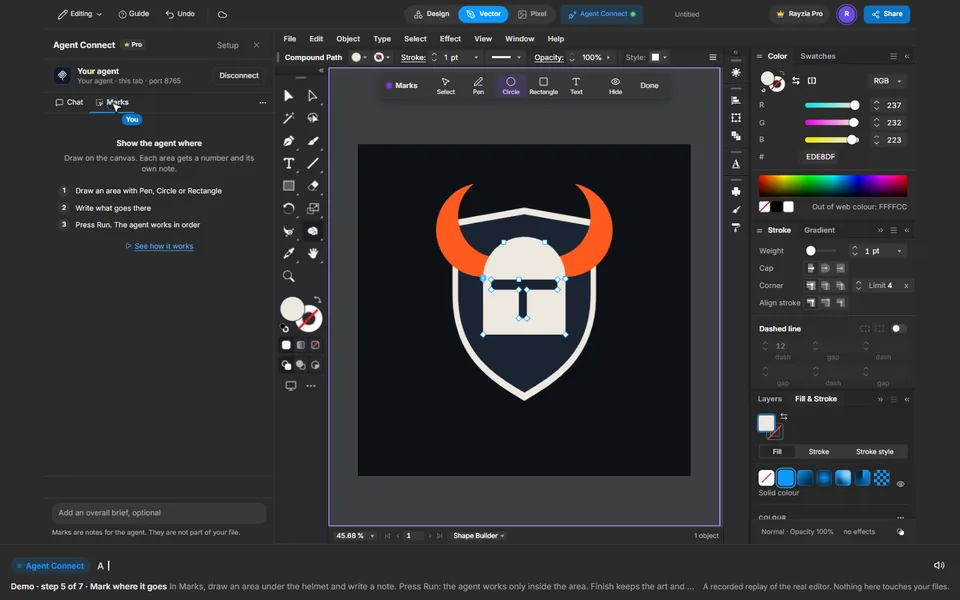
The helmet, merged and cut
A circle and a rectangle, plus two thin bars for the visor. With the Shape Builder, drag over the dome and the jaw to merge them, then Alt-drag over the visor to cut it out as a real hole.
 5
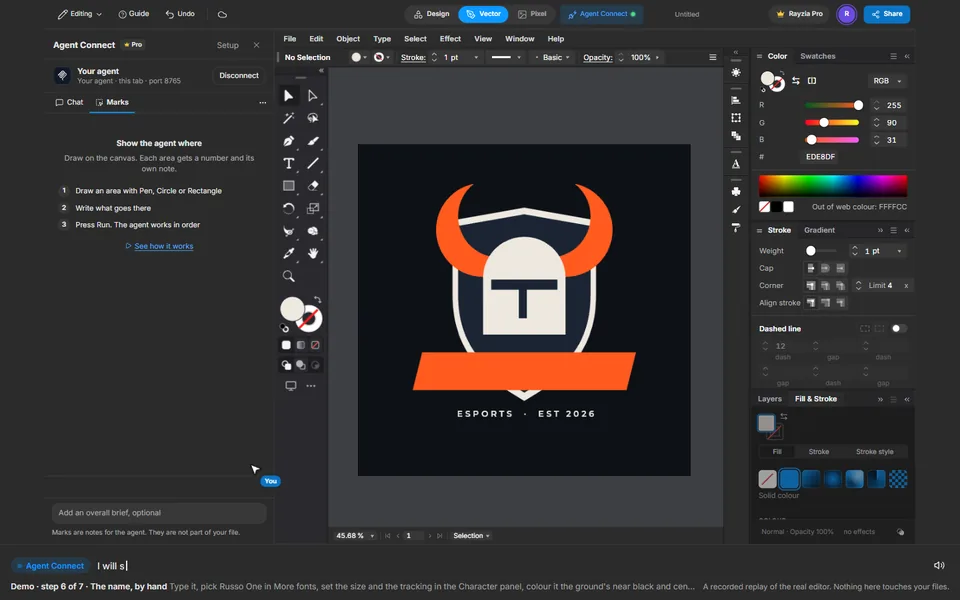
Mark where it goes
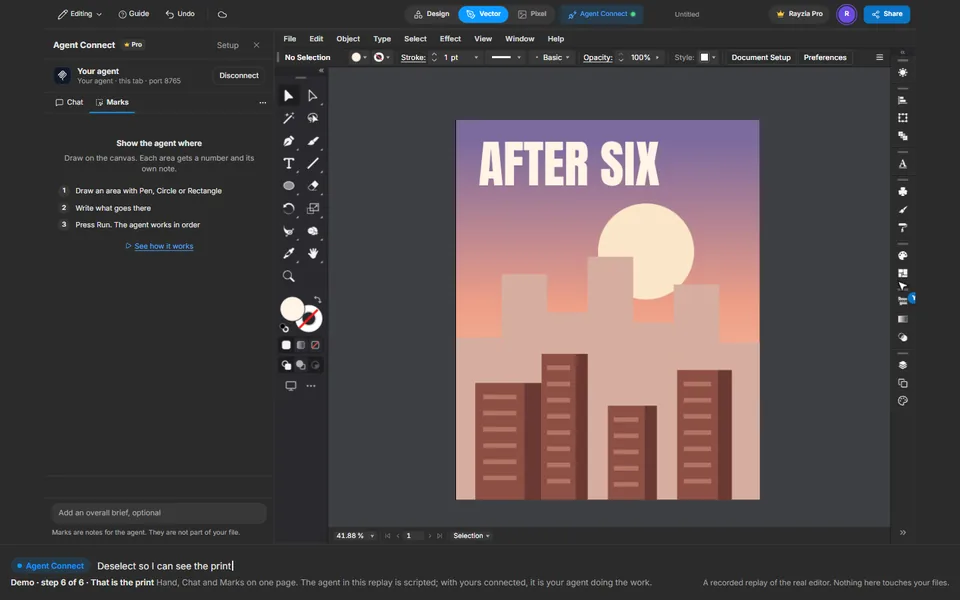
In Marks, draw an area under the helmet and write a note. Press Run: the agent works only inside the area. Finish keeps the art and clears the mark.
 6
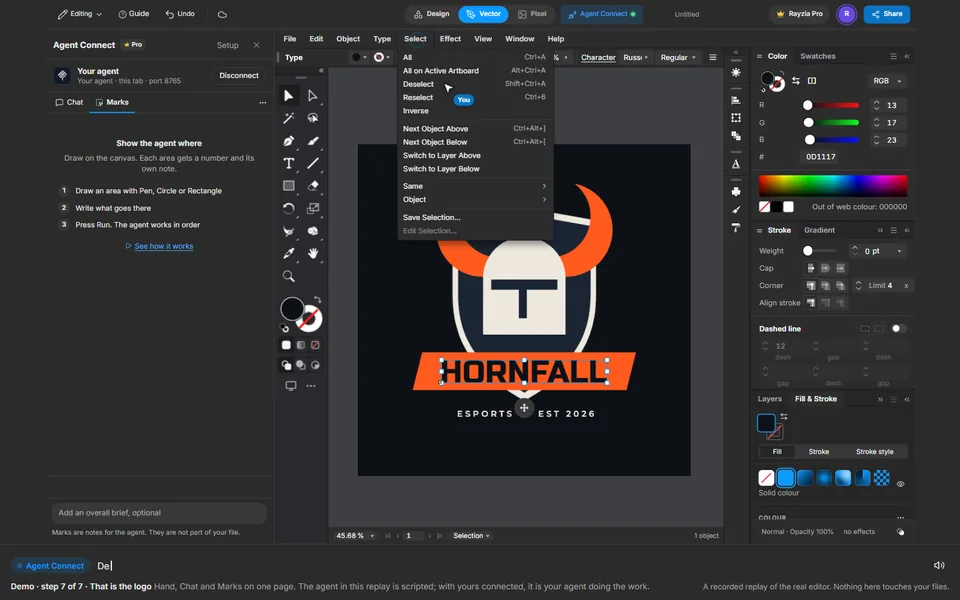
The name, by hand
Type it, pick Russo One in More fonts, set the size and the tracking in the Character panel, colour it the ground's near black and centre it on the plate with Move.
 7
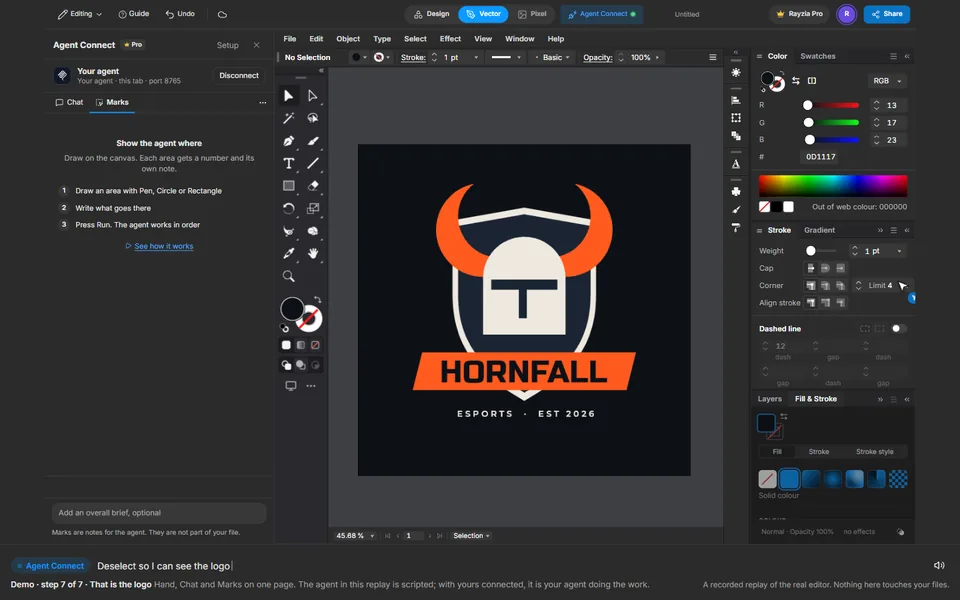
That is the logo
Hand, Chat and Marks on one page. The agent in this replay is scripted; with yours connected, it is your agent doing the work.