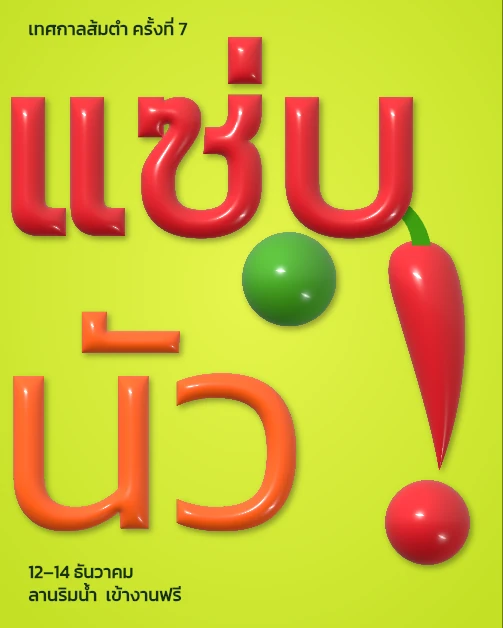
แซ่บ นัว!
把泰文吹成气球
Text, 3D Inflate, Apply Last Effect, Agent Connect Chat, Marks
步骤
 1
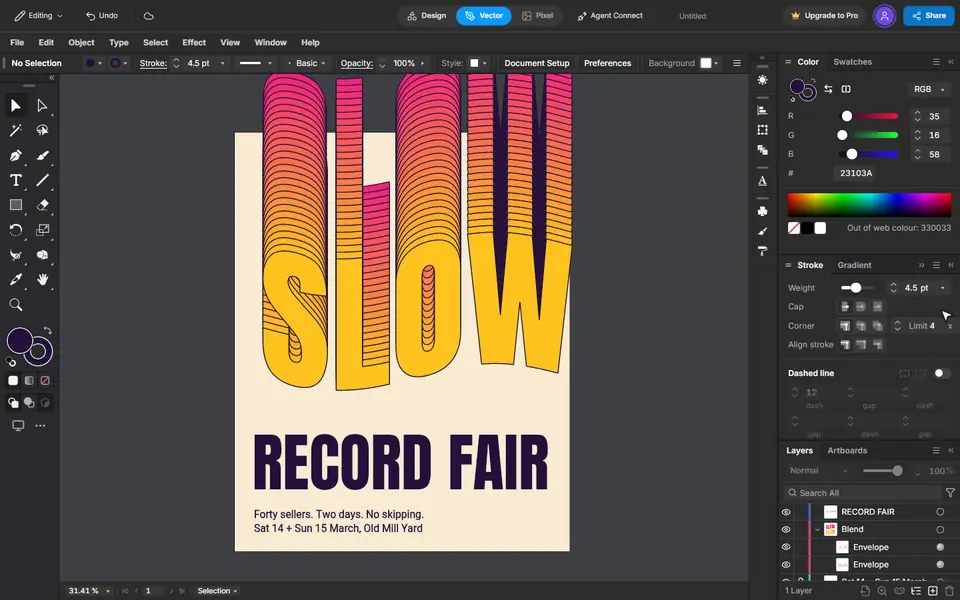
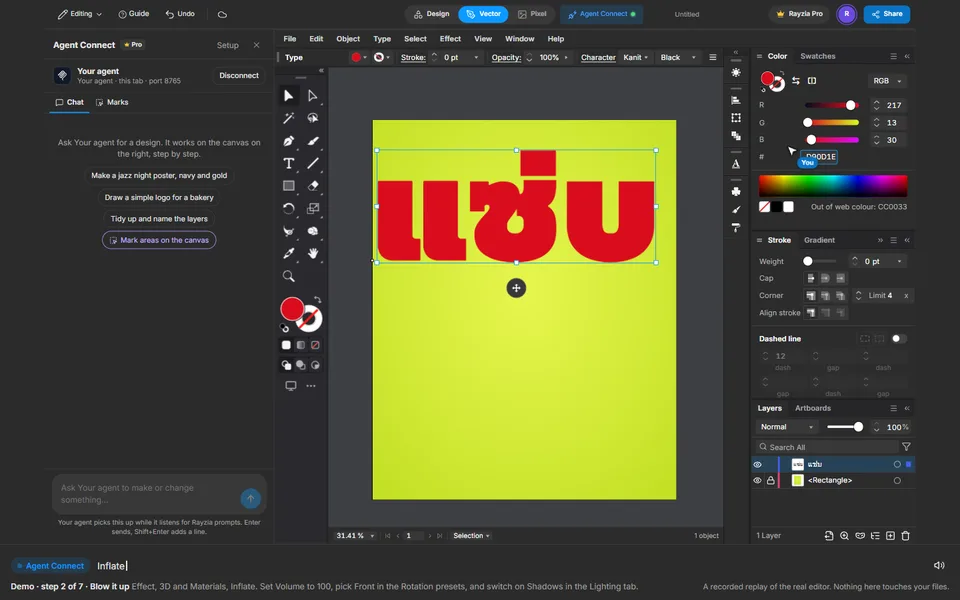
Type the word, by hand
Press the Type tool, click the page and type แซ่บ. Make it big on the bar, pick Kanit Black in More fonts, and set the colour in the Color panel.
 2
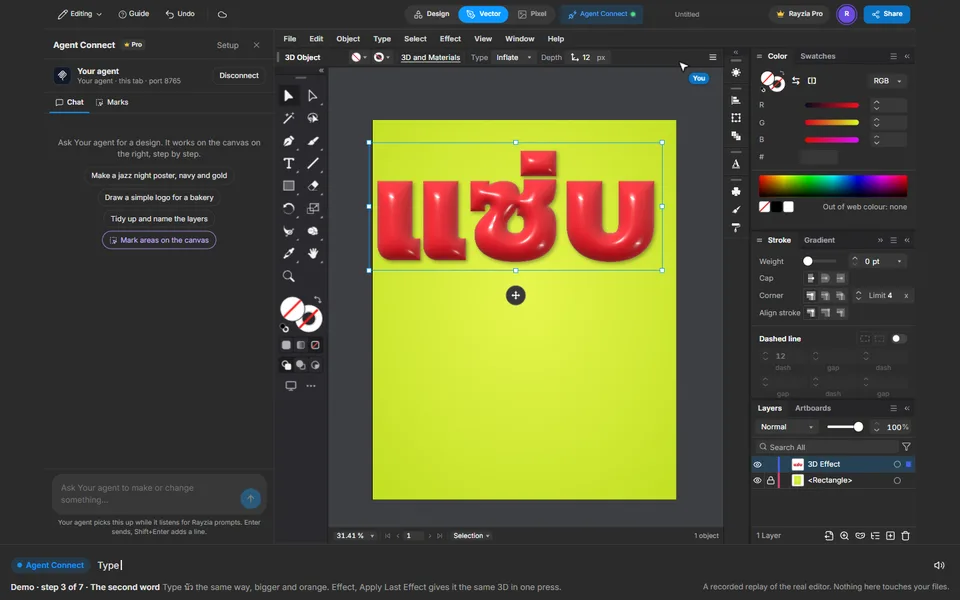
Blow it up
Effect, 3D and Materials, Inflate. Set Volume to 100, pick Front in the Rotation presets, and switch on Shadows in the Lighting tab.
 3
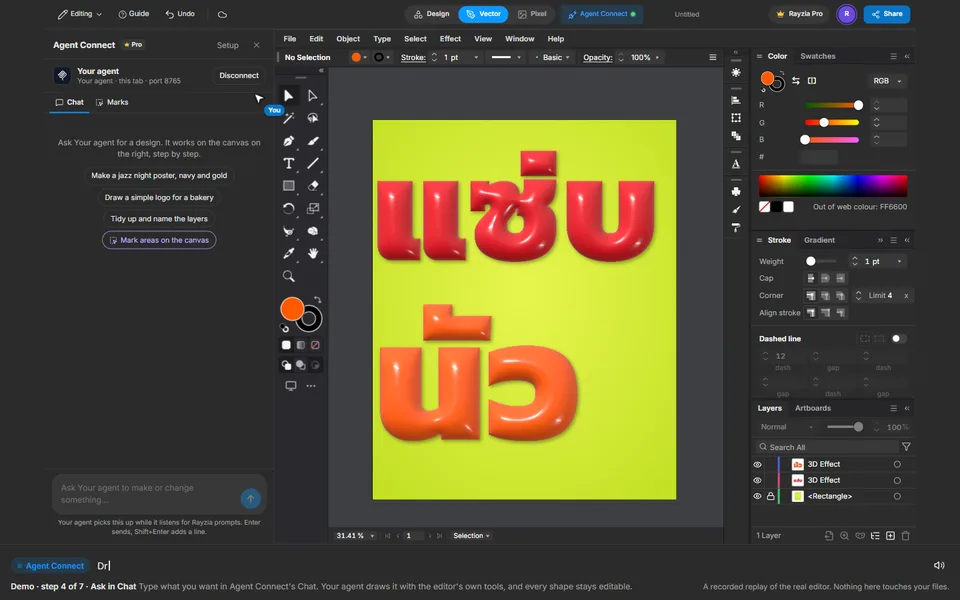
The second word
Type นัว the same way, bigger and orange. Effect, Apply Last Effect gives it the same 3D in one press.
 4
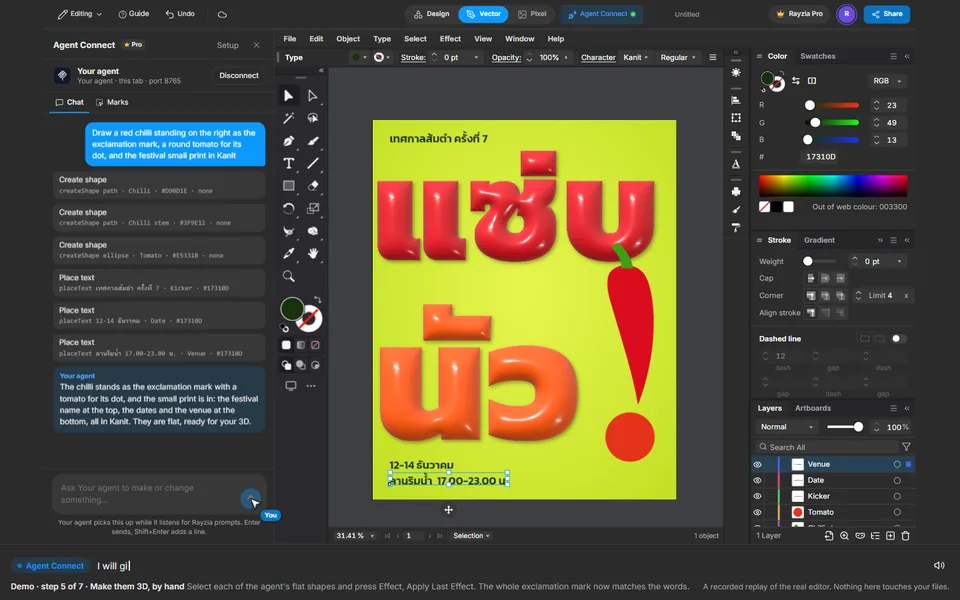
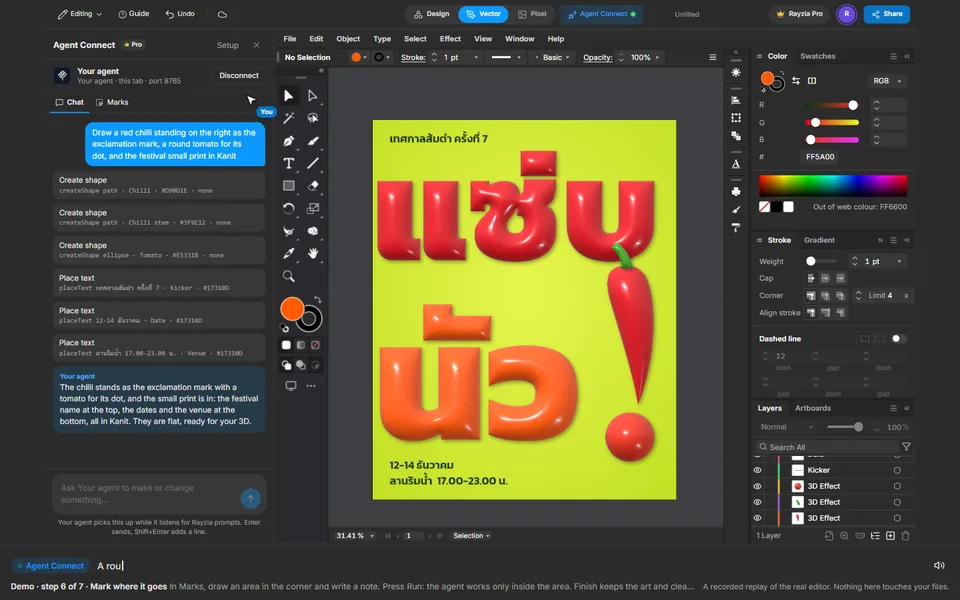
Ask in Chat
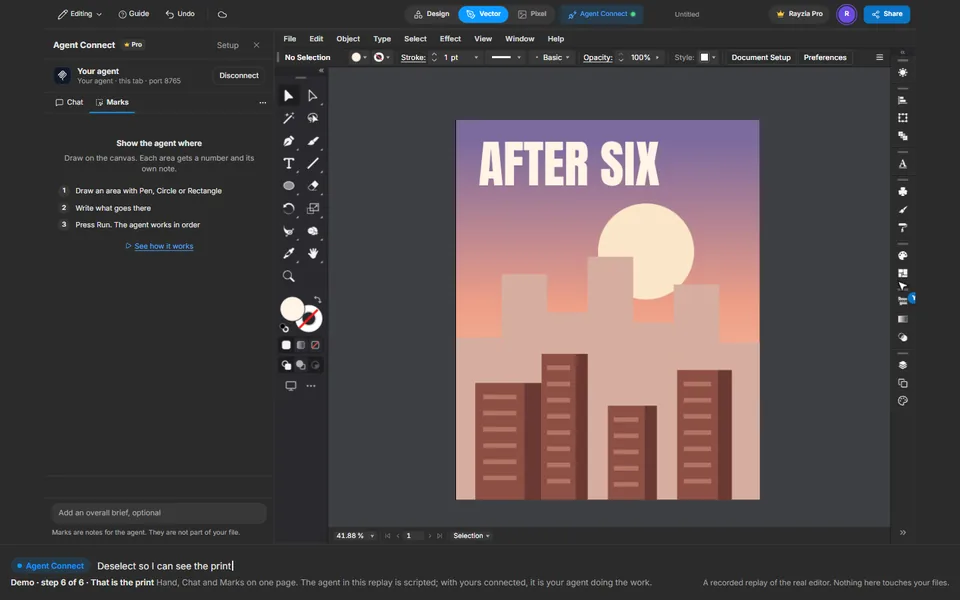
Type what you want in Agent Connect's Chat. Your agent draws it with the editor's own tools, and every shape stays editable.
 5
Make them 3D, by hand
Select each of the agent's flat shapes and press Effect, Apply Last Effect. The whole exclamation mark now matches the words.
 6
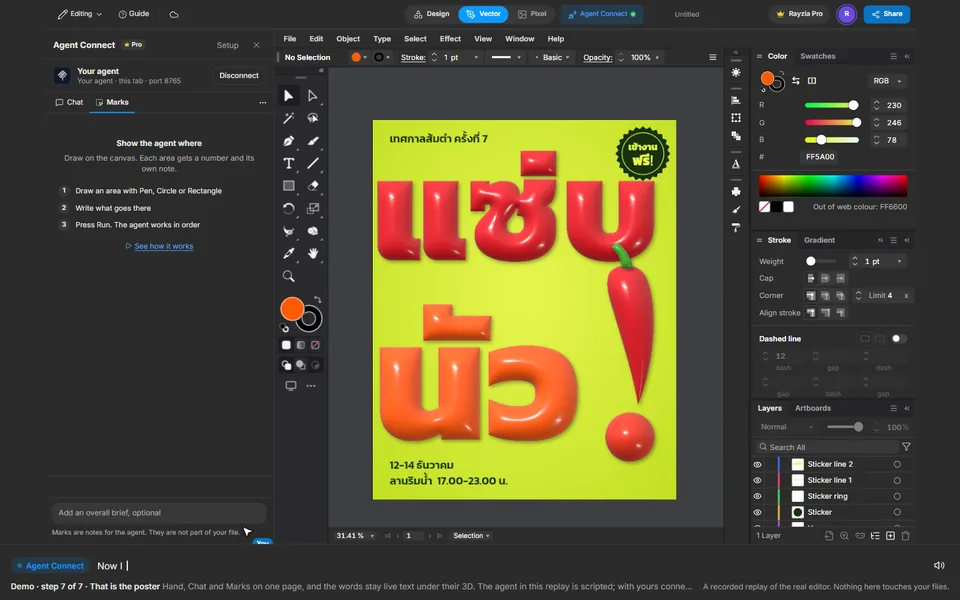
Mark where it goes
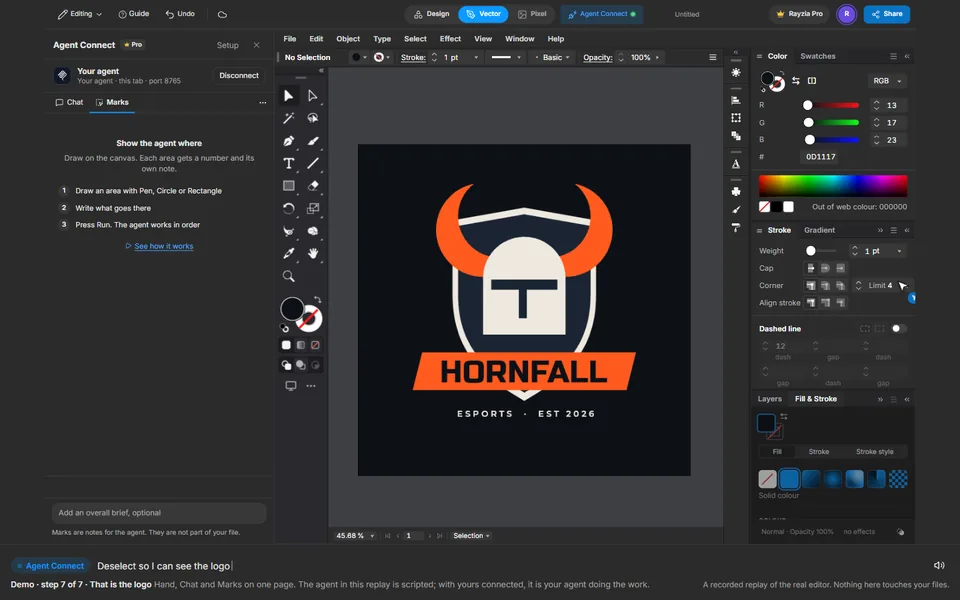
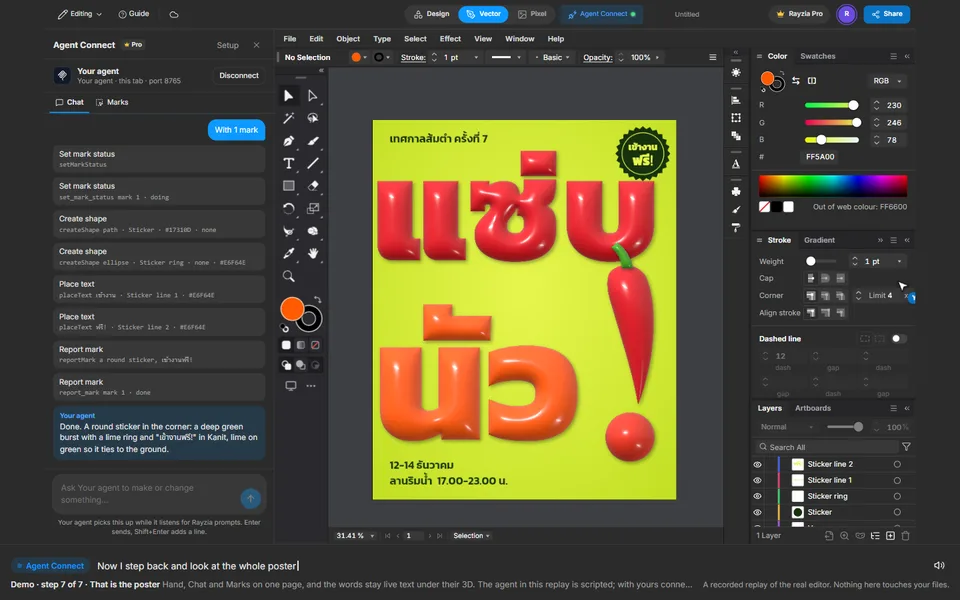
In Marks, draw an area in the corner and write a note. Press Run: the agent works only inside the area. Finish keeps the art and clears the mark.
 7
That is the poster
Hand, Chat and Marks on one page, and the words stay live text under their 3D. The agent in this replay is scripted; with yours connected, it is your agent doing the work.